On this page
- All JennAir ovens and ranges can run in Celsius or Fahrenheit. 1
- A C on the display, or a 260-degree limit, shows Celsius is on. 14
- Date and time: Settings, Preferences, Time and Date, on a WipeClean range. 2
- 12-hour or 24-hour time changes the prompts. 3
- A blank clock may be a hidden option; hold Clock Set/Start about five seconds. 4
How do I know my JennAir oven is set to Celsius?#
Look at the display. JennAir's page gives two signs: the display shows a C instead of an F, or the control will not go above 260 degrees. Either one means the oven or range has been set to Celsius. 1
That is a display choice. The page says all JennAir ovens and ranges can operate in both Fahrenheit and Celsius, and that you can change from one to the other manually. 1
The overview page lists it the same way. A C on the display means the oven shows temperature in Celsius instead of Fahrenheit, and the oven will not heat above 260 degrees on the display while in Celsius. 4

How do I change between Fahrenheit and Celsius?#
The page does not give one set of keys. It says the directions for changing from Fahrenheit to Celsius vary by model number and tells you to follow the instructions in your owner's manual. 1
So the quickest route is your manual. Find the model number on the rating plate, then look for the chapter on controls or settings. If you no longer have the printed manual, JennAir's Manuals and Literature page lists them. 4
Where do I set the date and time on a WipeClean range?#
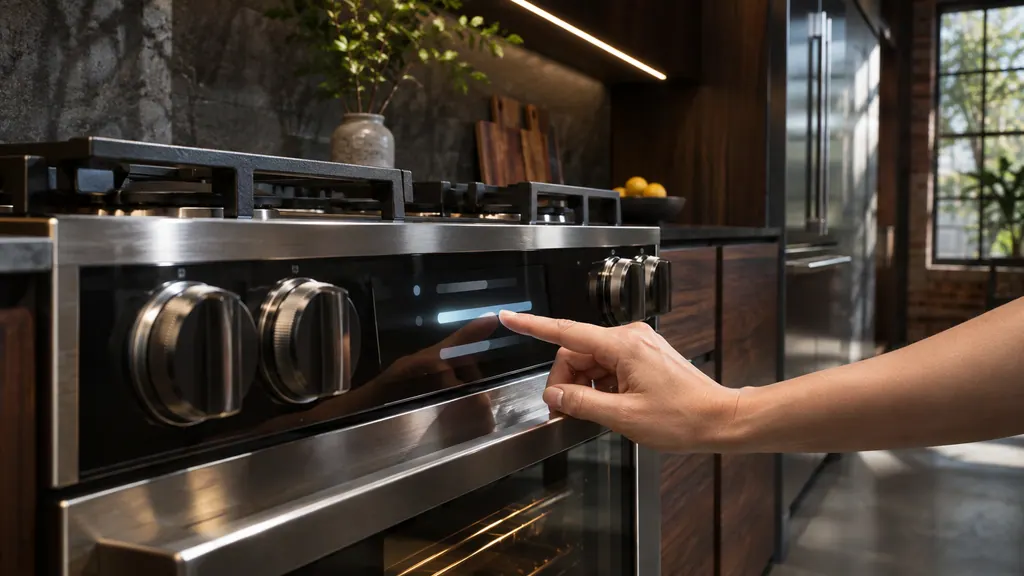
In the Settings menu. JennAir's page says to open Settings on the console, scroll to Preferences, then Time and Date, and use the submenu to set the date and the time. Adjusting the time and date varies by model, so check your owner's manual or quick start guide. 2
- 1
- 2
- 3
- 4
- 5
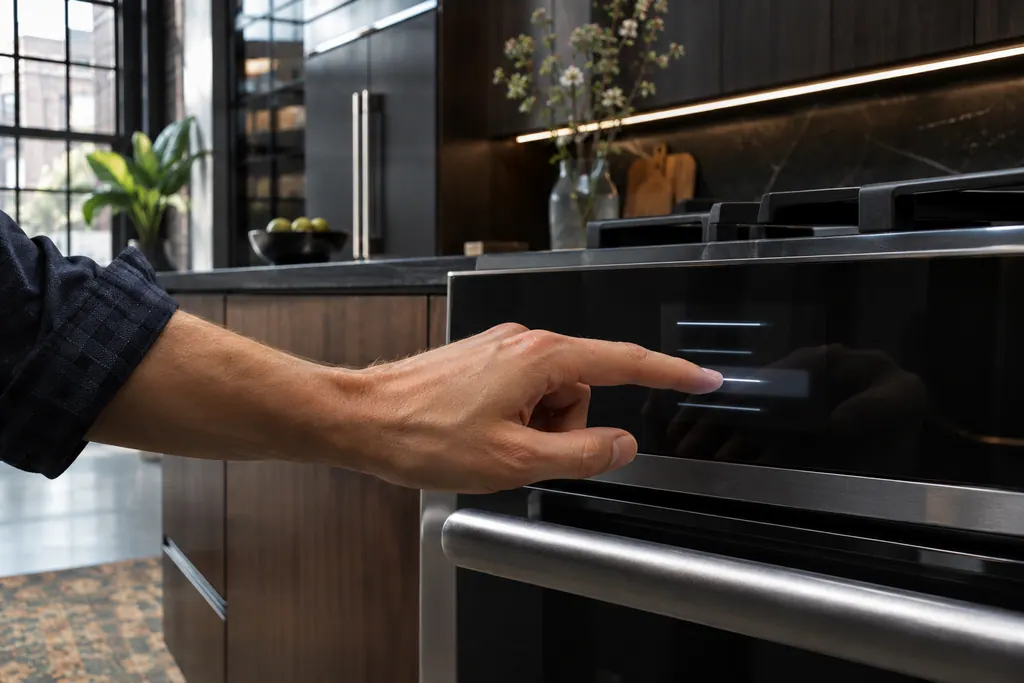
The second JennAir page, for ranges, gives the same route for a range: from the Settings menu choose Preferences, then Time and Date, and follow the on-screen prompts. The prompts differ depending on whether 12-hour or 24-hour time is selected, and the page says the method varies by model, with a video and the manual to follow. 3
Which other display words are settings rather than errors?#
JennAir's overview page lists several that look alarming and are not. 4
| You see | What JennAir's page says | What to do |
|---|---|---|
| C | The oven displays Celsius instead of Fahrenheit | Change the unit using your manual 4 |
| CAL | The oven calibration feature | Refer to your owner's manual 4 |
| LOC, Lock, Locked | Control Lock has been activated | Refer to your owner's manual 4 |
| SAB, Sab, 5AB or 5A6 | The Sabbath Mode feature is on | Refer to your owner's manual to exit 4 |
| PF, PF id=27 or PF id=30 | There has been a power failure | Press the cancel pad; reset the clock on some models 4 |
The page also notes that the code may appear in an F# E# format or an E# F# format, which is a reminder to read the characters in order. 4
What if my oven shows 12:00 or flashes the time?#
That usually follows a power interruption. JennAir's pages say the display shows Time, 12:00 or POWER LOSS when power is first supplied, and that you press CANCEL and then enter the time. 5 The power outage guide covers it.
Why is the clock blank?#
On some models the time of day can be hidden. JennAir's overview says a blank clock may be a hidden option, and that pressing and holding Clock Set/Start for about five seconds typically displays the time of day again. The time should not have to be reset. 4
This matters because it looks like a failed display. If holding the key does not bring the clock back, check the owner's manual for your model, since the key can differ. 4
A blank clock is different from a blank display. If the whole display is dark and the controls do not respond, the oven controls problem page lists the checks.
Where do I find the steps for my exact model?#
In your owner's manual or quick start guide. JennAir's pages repeat that adjusting the time and date, and changing the temperature unit, varies by model number. 12 The overview page points you to JennAir's Manuals and Literature page for the manual. 4
Have the model number ready before you search. Then work through the pages in this order: read the display for a C, set the date, then set the time. The date comes first because that is the order the menu shows it. 2
If the manual shows a different route from the one above, trust the manual. The pages say the steps differ by model, so a different panel may have a different menu. 23
Write the date and time you set on a note near the oven if you share the kitchen. A second person who finds the display flashing can then reset it without hunting for the manual. That is a household habit, not a JennAir instruction, but it saves a call.
When is a setting really a repair?#
When a setting will not hold, the menu does not open, or the screen stays dark after the clock key. A technician can read the model number and check the control. 4
The work we take on is listed on the oven service page, and the C entry lists what the C means on the display.
Sources#
- Changing from Celsius to Fahrenheit Temperature - Product Help | JennAirJennAir Product Help (producthelp.jennair.com) · dateModified 2025-10-16; PH 679 · PH 679
- How to Set the Date and Time on WipeClean Range - Product Help | JennAirJennAir Product Help (producthelp.jennair.com) · dateModified 2025-03-04; PH 13494 · PH 13494
- Setting the Time and Date - Range - Product Help | JennAirJennAir Product Help (producthelp.jennair.com) · dateModified 2025-05-19; PH 13708 · PH 13708
- Error Codes for Cooking Appliances - Product Help | JennAirJennAir Product Help (producthelp.jennair.com) · dateModified 2025-10-16; PH 686 · PH 686
- Flashing Time, Clock, 12:00, Power Loss or Enter Time - Range - Product Help | JennAirJennAir Product Help (producthelp.jennair.com) · dateModified 2025-04-14; PH 13130 · PH 13130