Start from the symptom
JennAir oven controls not responding.
Check the JennAir message first. LOC means the control lock is on, a flashing time or POWER LOSS only needs the clock set, and a running cooling fan after a cycle is normal. A one-minute breaker reset clears many control glitches.
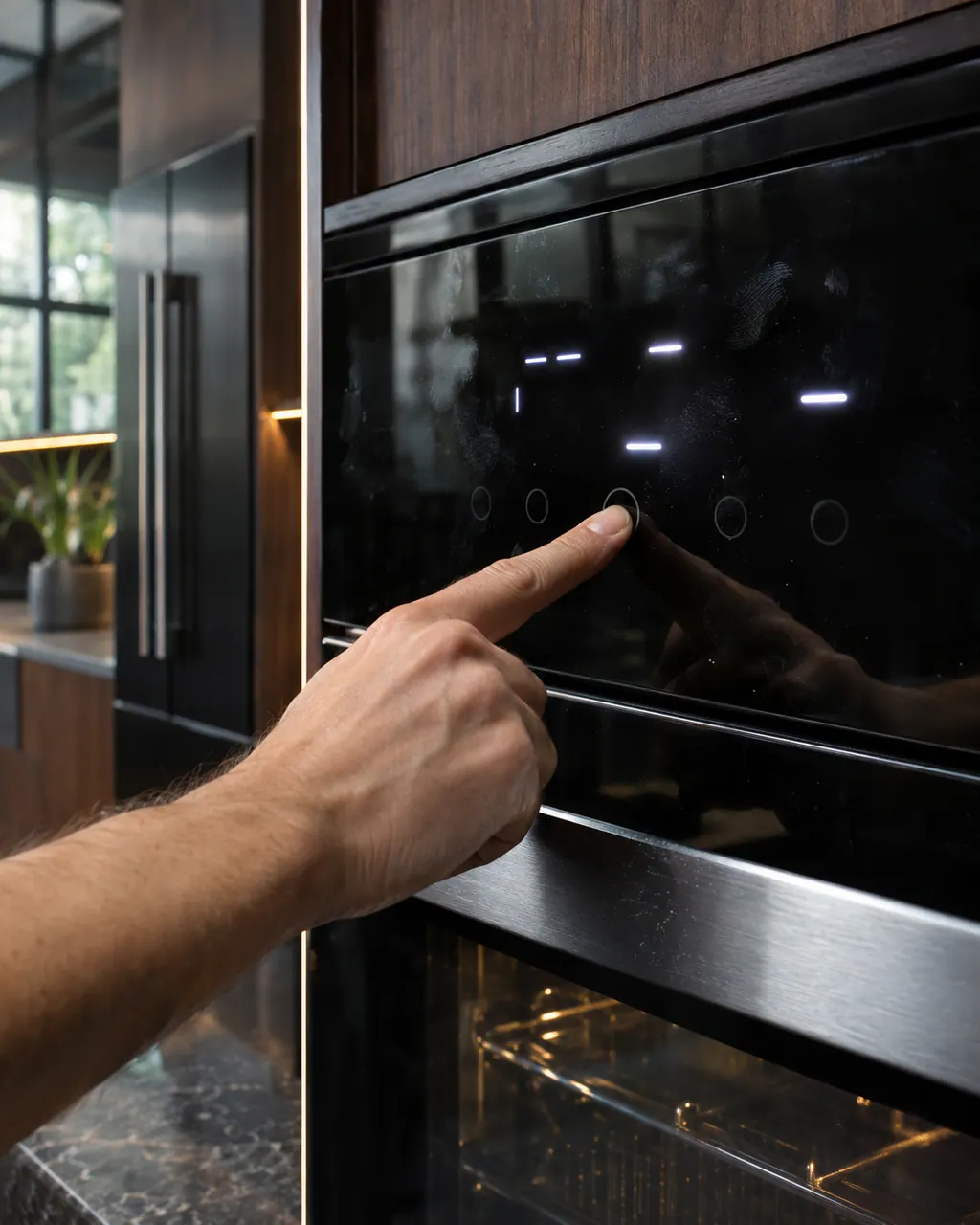
Start with safe observations.
Turn the appliance off and unplug it before any check you can do yourself. Look out for pooled water and sharp edges. Never touch a wet plug or live area, take off service panels, or go past your model’s owner instructions.
- 1
Read the display
LOC appears when the control is locked. A flashing time, 12:00 or POWER LOSS shows after power returns: press Cancel, then set the time of day.
- 2
Unlock the control
Hold Start/Enter for 5 seconds on ranges that use it, until a tone sounds and LOC leaves the display. The oven must be off to lock or unlock it.
- 3
Do not mistake the fan for a stuck oven
After a cycle the cooling fan can run for several minutes. JennAir lists this as normal and says the door can be opened at any time.
- 4
Reset the power
Turn the breaker off for one minute, turn it on, and watch the display for another minute to see whether a message returns.
- 5
Check for demo mode or a delayed start
In demo mode the oven does not heat and shows a feature presentation. A delayed bake will not begin until its start time; cancel and restart.
Systems a technician may investigate.
The symptom connects to these parts. What you observed cannot show that any single one has failed.

Oven electronic control
The electronic control is the board that manages the oven functions. JennAir names it in F1 E1, F3 and F4 codes, and as the shared suspect in many sensor and keypad codes. The help pages give one owner step, a one-minute power-down, and do not name a repair.

Oven keypad and user interface
The user interface is the keypad or touch panel you press. JennAir lists it in the F2 family (F2 E0 to F2 E6), where F2 E1 often means a key is stuck or held too long. The help pages suggest checking cooktop grates on some ranges, then a one-minute reset.
If the display adds a code.
Electrical supply
F9 on a JennAir wall oven most often means the oven was wired wrongly at the home supply or the hard-wire connection, with L2 and N swapped as the example; a steam oven page gives only a reset. Call an electrician before using the oven again.
Electrical supply
F9 E0 on a JennAir professional-style range or wall oven points at the electrical supply: the pro-range pages ask for the outlet or supply to be checked, and the wall oven page names wrong wiring at the supply with L2 and N swapped as the example. Have an electrician check before further use.
Read the related care guide.
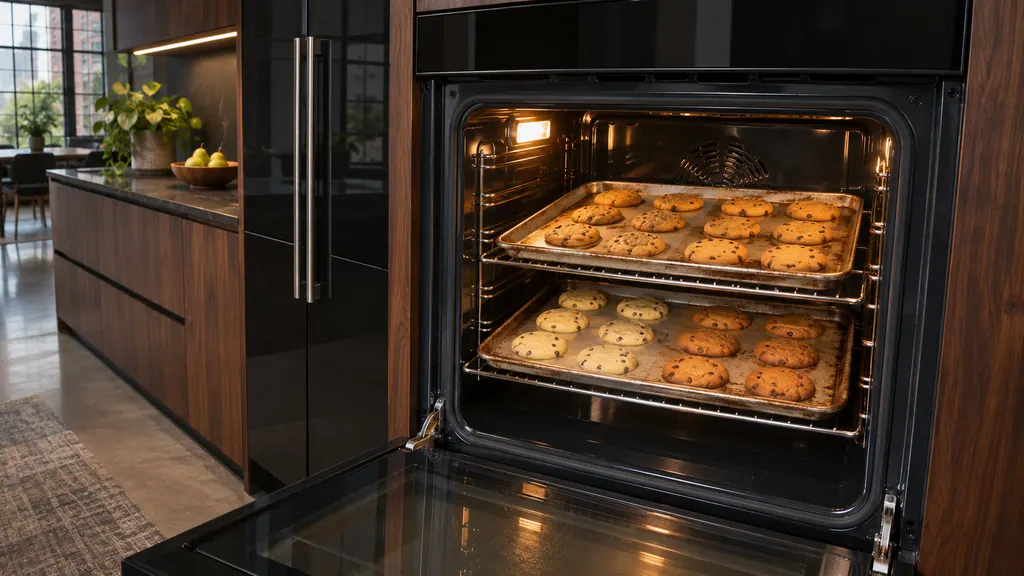
Oven browning one side? Check the pans first.
Uneven baking in a JennAir oven usually comes from pans, preheating or rack position before it points to the oven. Dark pans brown more, shiny pans brown less, and food loaded early gets too much top heat. Fix those, then check level and airflow. [1][2]
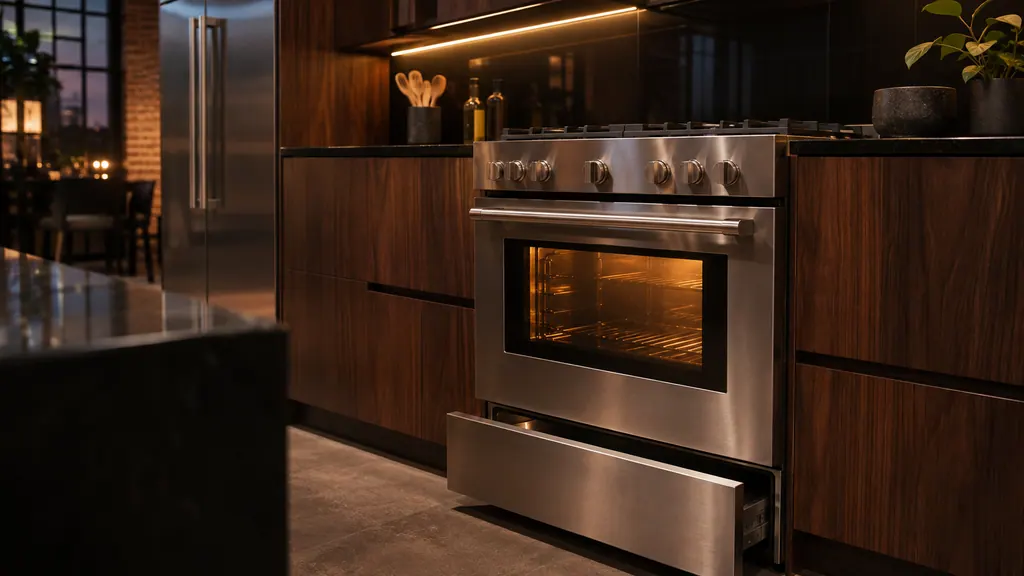
Gas oven clicking? Here is the normal sound.
Short clicks while a JennAir gas oven preheats are normal: the igniter sparks until it detects a flame, and on a range that can repeat every 1 to 3 minutes. Clicking with no flame, or a gas smell, is different. Check the valves and the door, and stop if you smell gas. [1][2]
When observation becomes a service request.
Leave internal testing to a technician.
The display stays blank or dead after a breaker reset, a code comes back, or the buttons do nothing. Book a visit.
Arrange a diagnosticSources and model boundaries.
The JennAir oven controls not responding guidance rests on these references. Pick the manual that fits your model.
- Oven Not Shutting Off - Product Help | JennAir
- Oven is Locked - What to Do - Product Help | JennAir
- Locked, Lock or Loc - Range - Product Help | JennAir
- Locked, Lock or Loc - Wall Oven - Product Help | JennAir
- Flashing Time, Clock, 12:00, Power Loss or Enter Time - Range - Product Help | JennAir
- Not Working After Power Outage - Electric Range - Product Help | JennAir
Go by the instructions for your own model. See how we research these pages.
What does LOC on my JennAir oven mean?
The lock feature is active. It disables the keys and locks the door. Hold Start/Enter for 5 seconds on models that use it to unlock, and check the manual for your model.
Why does my oven fan keep running after I turn it off?
The cooling fan runs to protect the electronics and the cavity. JennAir says it may run several minutes after the cycle and calls that normal.
Why does the clock flash after a power cut?
JennAir says the time, 12:00 or POWER LOSS shows after a power interruption. Press Cancel and set the time of day.
Will the oven work during a clean cycle lock?
No. The door stays latched during cleaning. After cleaning, the oven has to cool to about 200 F before the door opens.
Code or symptom, part, service call
Tie the message to what comes next.
Locked, Lock or Loc
Locked, Lock or Loc on a JennAir range or wall oven means the control lock is on: the pads are shut down and the door is locked to prevent unintended use. Touch and hold START/ENTER for five seconds to unlock.
JennAir oven temperature problems
JennAir says not to judge oven temperature with a thermometer, because the elements cycle and most thermometers react too slowly. Check preheat time, racks, pan spacing and foil first, then run the biscuit test before any calibration.
Oven electronic control
The electronic control is the board that manages the oven functions. JennAir names it in F1 E1, F3 and F4 codes, and as the shared suspect in many sensor and keypad codes. The help pages give one owner step, a one-minute power-down, and do not name a repair.
Oven repair
Schedule a diagnostic for your model, carried out at the appliance.
Find your metro
Office details, plus the access notes to pass along.