On this page
- A flashing time, 12:00 or POWER LOSS is expected after any power return. 12
- Hold START/ENTER for five seconds to lock or unlock a range control, where your model has it. 3
- A locked, demo or delayed-start oven can look dead. 5
- A blank display may be a hidden clock, not a failure. 6
- F9 after an outage: one-minute breaker reset first; wiring if it returns. 57
Why does my JennAir oven flash after the power comes back?#
Because it has lost the time of day and is asking for it. JennAir's page says that when power is first supplied to the oven, or after an interruption or failure, the display shows Time, 12:00 or POWER LOSS. Press CANCEL, then set the time. 12
That message is not an error. The oven has simply started up again. The same page tells you to look in the owner's manual for the exact keys, because the clock is set differently on different models. 12
The overview page lists the same event under another label: PF, or PF with a number, means there has been a power failure. Press the cancel pad to clear the display, and on some models you will also need to set the time of day. 6
If your range has a settings menu rather than a clock key, the date and time guide walks through it.
What if the display is blank but the oven seems to work?#
Some JennAir models can hide the time of day on purpose. The overview page says holding Clock Set/Start for about five seconds typically brings the time back, and the time should not have to be reset. Check your manual for your model. 6
This is easy to trigger by accident, for example while cleaning the glass. It looks like a dead display, so it is worth a try before anything else.
Is "Lock" or "Loc" an error?#
No. It means the control lock is switched on. JennAir's page says the feature shuts down the control pads and locks the oven door to avoid unintended use. The lock is preset to unlocked but can be turned on, and it cannot be turned on while the oven is in use. 34
On the range version of the page, locking and unlocking go like this. Before you lock, make sure the oven and the timer are off. Touch and hold START/ENTER for five seconds. A single tone sounds and LOC shows on the display. Repeat to unlock, and LOC disappears. LOC also shows whenever you press a pad while the control is locked. 3
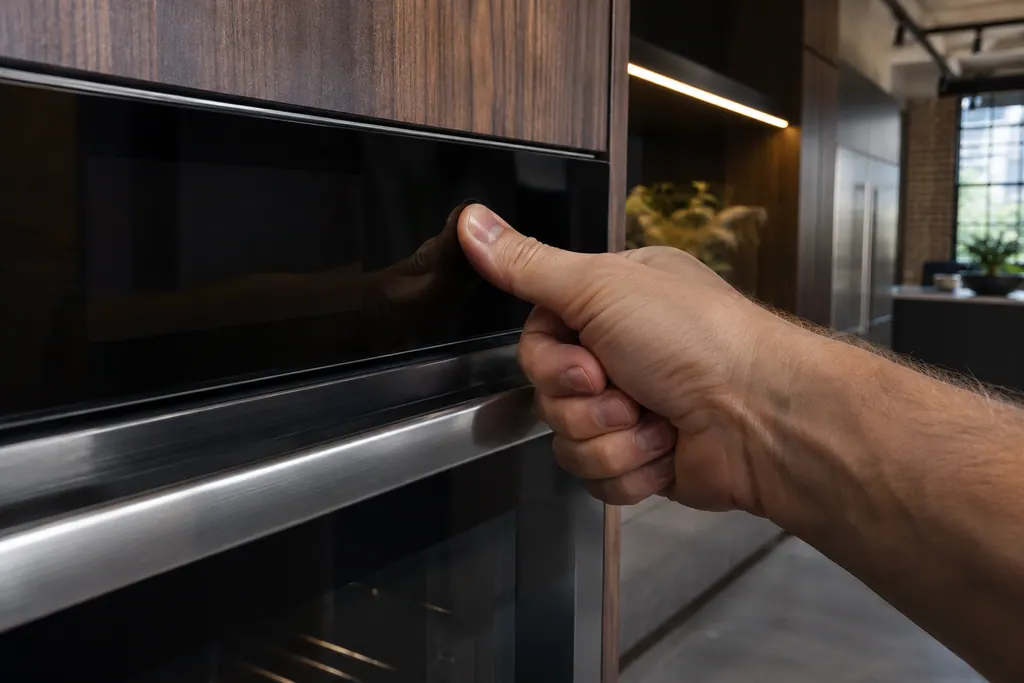
The wall oven page gives no key sequence and defers to the owner's manual. 4 A different page, the one for an oven that is not working after a power outage, mentions "Control Lock" printed on the console and says it is typically reset by holding the button or buttons for three seconds. 5 Keys differ by model, so trust the one in your manual.
For a locked oven door rather than locked pads, see the power reset guide, which covers the Oven is Locked page.
What else makes an oven look dead after an outage?#
Two settings, both on JennAir's page for an oven not working after a power outage. The first is demo mode. With demo mode active, the oven will not operate, and the control shows a short presentation highlighting the features of the range. 5
The second is a delayed start. Some ovens can be set to bake with a delayed start, which means the bake does not begin until the start time is reached. The page says to cancel the control and start a bake function again. 5
Neither one is an error. Your owner's manual explains how to turn demo mode off on your model. 5
- 1
- 2
- 3
- 4
- 5
Try a bake#
If the oven now heats, no repair is needed.
Which display words after an outage are settings, not errors?#
JennAir's overview page lists the common ones in one place, and most have a one-line answer. 6
| You see | Meaning on JennAir's page | What to do |
|---|---|---|
| Time of day flashing | The clock needs setting | Press the cancel pad; reset the time on some models 6 |
| PF, PF id=27 or PF id=30 | There has been a power failure | Press the cancel pad; reset the clock if asked 6 |
| Clock is blank | A hidden-time option on some models | Hold Clock Set/Start about five seconds 6 |
| LOC, Lock, Locked | Control Lock is on | Follow your owner's manual 6 |
What if an F9 shows after the outage?#
Reset the oven's power. JennAir says unexpected noise on the supply line during an outage can make the control detect a wrong voltage and display F9, F9 E0 or PF. Switch the oven's breaker off for one minute, restore it and watch the display for a minute. 57
Key presses matter here too. The wall oven page says that pressing keys before the 10-second delay at power-up can bring on the same code. 7 If you were tapping the control as the power came back, that may be the cause.
If the range control keeps showing F9 or F9 E0, JennAir's page says the electrical outlet in the home may be miswired. Disconnect the power and have a qualified electrician check the supply. 5 The wall oven page says the same and names swapped L2 and N conductors as the typical cause. 7
The F9 page lists the F9 variants for ranges, and the PF entry covers the power failure message.
When is it more than a power cut?#
When the controls stay dead after you have cleared Lock, demo mode and any delayed start, or when an F9 returns after the reset and an electrician has confirmed the supply. Bring the exact wording from the display and the model number. 57
The work we take on is listed on the oven service page, and the page on oven controls that do not respond lists further checks.
Sources#
- Flashing Time, Clock, 12:00, Power Loss or Enter Time - Range - Product Help | JennAirJennAir Product Help (producthelp.jennair.com) · dateModified 2025-04-14; PH 13130 · PH 13130
- Flashing Time, Clock, 12:00, Power Loss or Enter Time - Wall Oven - Product Help | JennAirJennAir Product Help (producthelp.jennair.com) · dateModified 2024-11-08; PH 13254 · PH 13254
- Locked, Lock or Loc - Range - Product Help | JennAirJennAir Product Help (producthelp.jennair.com) · dateModified 2024-11-07; PH 13129 · PH 13129
- Locked, Lock or Loc - Wall Oven - Product Help | JennAirJennAir Product Help (producthelp.jennair.com) · dateModified 2024-11-08; PH 13255 · PH 13255
- Not Working After Power Outage - Electric Range - Product Help | JennAirJennAir Product Help (producthelp.jennair.com) · dateModified 2024-08-27; PH 12747 · PH 12747
- Error Codes for Cooking Appliances - Product Help | JennAirJennAir Product Help (producthelp.jennair.com) · dateModified 2025-10-16; PH 686 · PH 686
- F9 or F9 E0 - Wall Oven - Product Help | JennAirJennAir Product Help (producthelp.jennair.com) · dateModified 2025-11-13; PH 13389 · PH 13389