What it means
With F9Q1 the oven could not carry out a function. JennAir names the touch pad, also called the user interface, or its wiring. Turn the microwave breaker off for a minute, turn it on, and keep the oven in view for a minute.
JennAir microwave F9Q1 / Keypad
With F9Q1 the oven could not carry out a function. JennAir names the touch pad, also called the user interface, or its wiring. Turn the microwave breaker off for a minute, turn it on, and keep the oven in view for a minute.
Also shown as F9Q1
With F9Q1 the oven could not carry out a function. JennAir names the touch pad, also called the user interface, or its wiring. Turn the microwave breaker off for a minute, turn it on, and keep the oven in view for a minute.
One minute off, then back on.
F9Q1 returns for the same function.
Checks you have ticked / saved in this browser
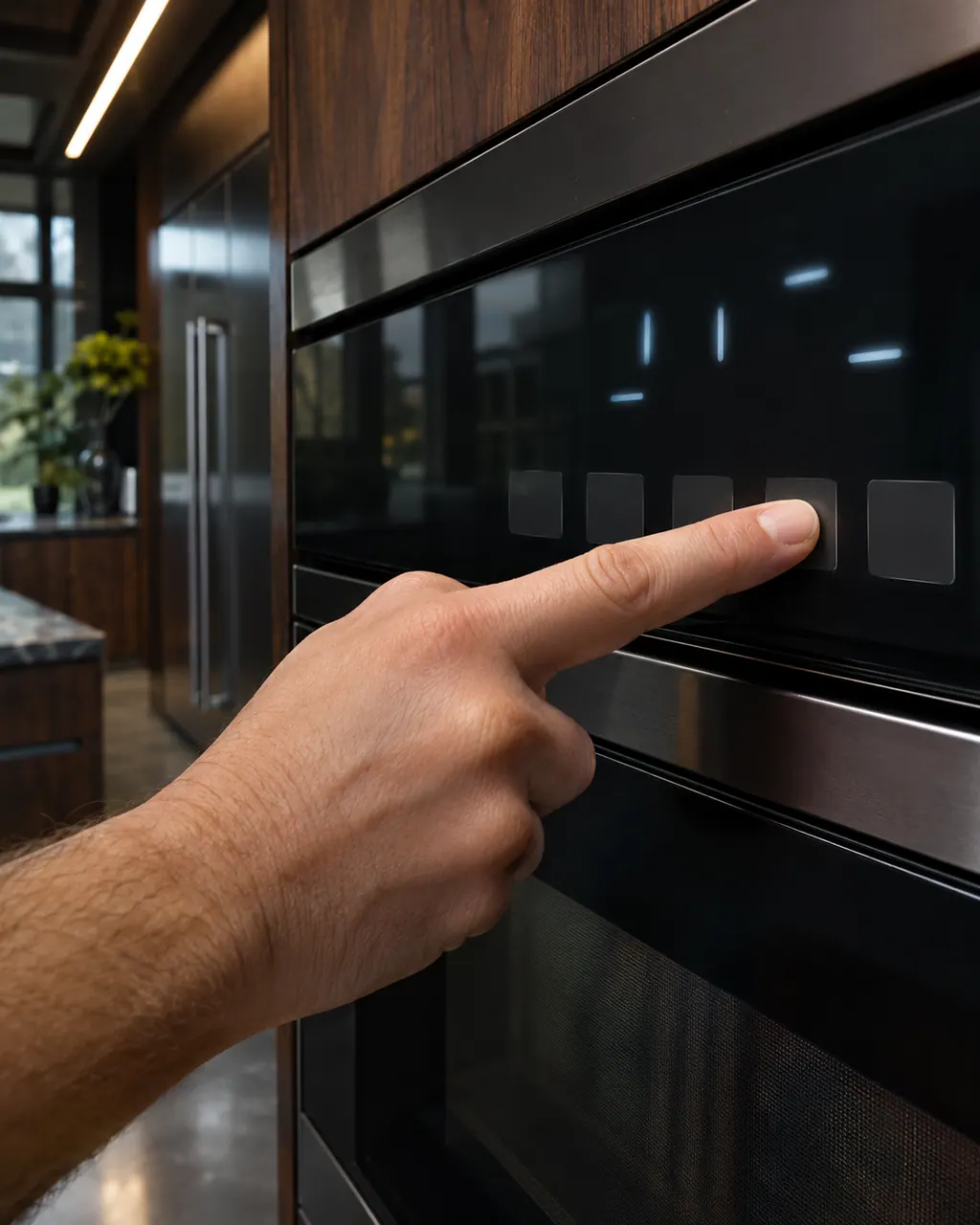
One minute off, then back on.

Confirm F9Q1 does not return in the first minute.

Repeat what you pressed when the code appeared.
Write down which function failed.
Send the model and the checks you have already run, then begin your request from this page.
Book a visit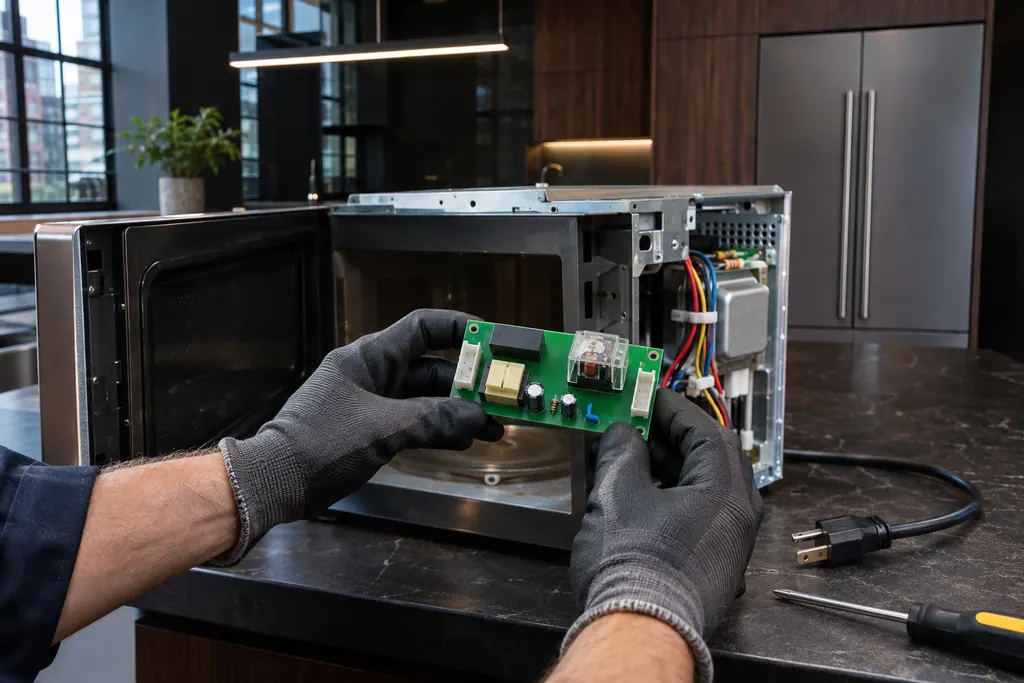
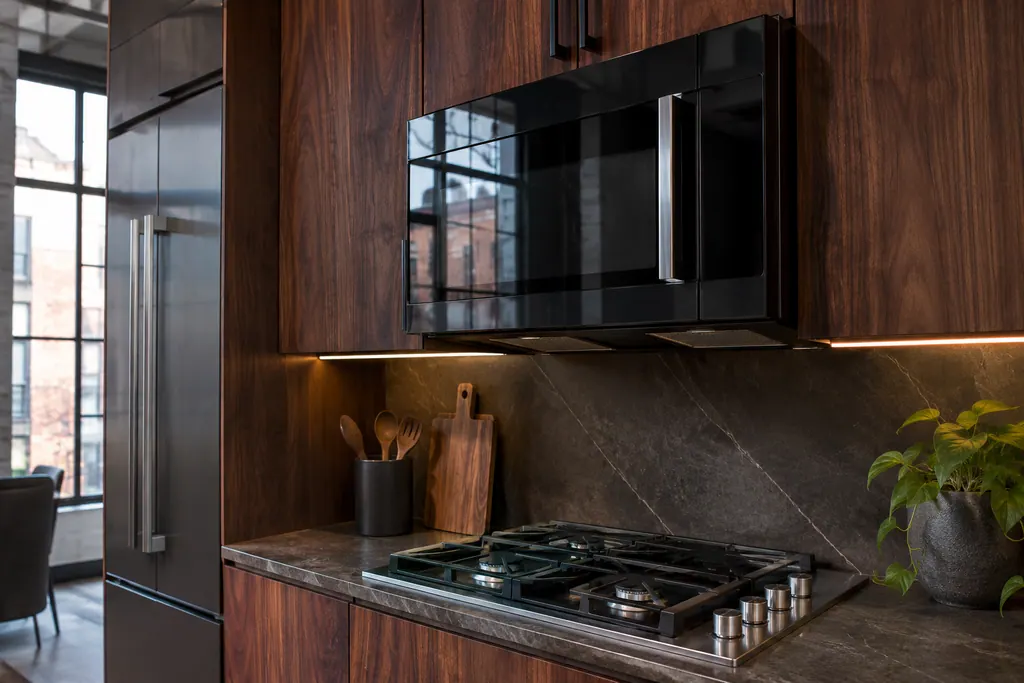
A simplified drawing, because layouts change with the model. Tap an outlined part to see a photo and the related check.
Component reference
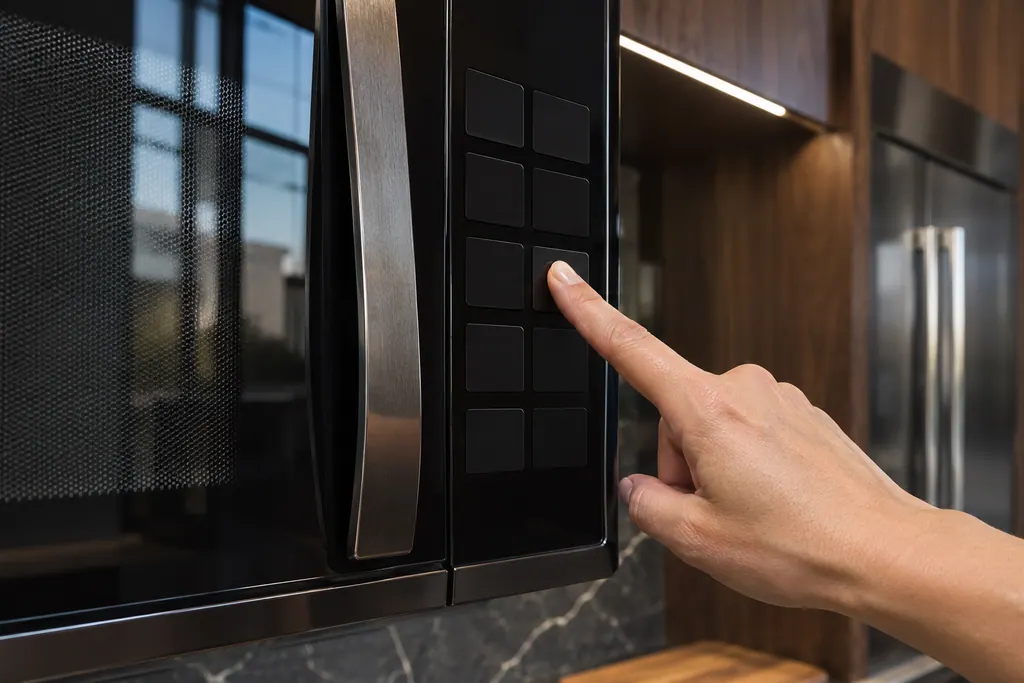
The keypad is the key panel on the front of a JennAir over-the-range microwave.
Read the definitionThe oven could not execute the function. The touch pad, also called the user interface, or its wiring may be the problem.
Read the supporting manualTurn the breaker off for a minute, switch it on and keep the oven in view during the next minute.
Read the supporting manualE03 describes the board receiving a problem report from the keypad. F9Q1 describes a function that failed.
Read the supporting manualWhen F9Q1 returns for the same function.
Read the supporting manualManufacturer document
JennAir Product Help (producthelp.jennair.com)
dateModified 2021-04-27; PH 9621 / PH 9621 (over-the-range microwave)
Scope: JennAir over-the-range microwave. Read from the JennAir Product Help page for this code in the over-the-range microwave error code tree (November 2026).
The oven could not carry out the function. The touch pad or its wiring may be the problem.
The page does not say. Note what you tried when it appeared.
The page names the touch pad and wiring, not the board.
It may. Repeats need a technician.
Code or symptom, part, service call
With E03 the control board received a problem report from the keypad, which JennAir also calls the user interface. The keypad or its wiring may be the cause. Turn off the breaker that serves the microwave, leave it a full minute, then switch it back on and see whether E03 returns.
First confirm the controls: enter Cook Time, then Cook Power if it is not 100%, and press Start. Then test with one cup of water for one minute on HI. If heat rise is detected, the microwave is heating. With no power at all, check the breaker or fuse.
The keypad is the key panel on the front of a JennAir over-the-range microwave. JennAir also calls it the user interface or touch pad, and three codes name it: E03, F9Q1 and SE. Its single step is a sixty-second power-down, followed by a check that keys respond.
Schedule a diagnostic for your model, carried out at the appliance.
Office details, plus the access notes to pass along.