What it means
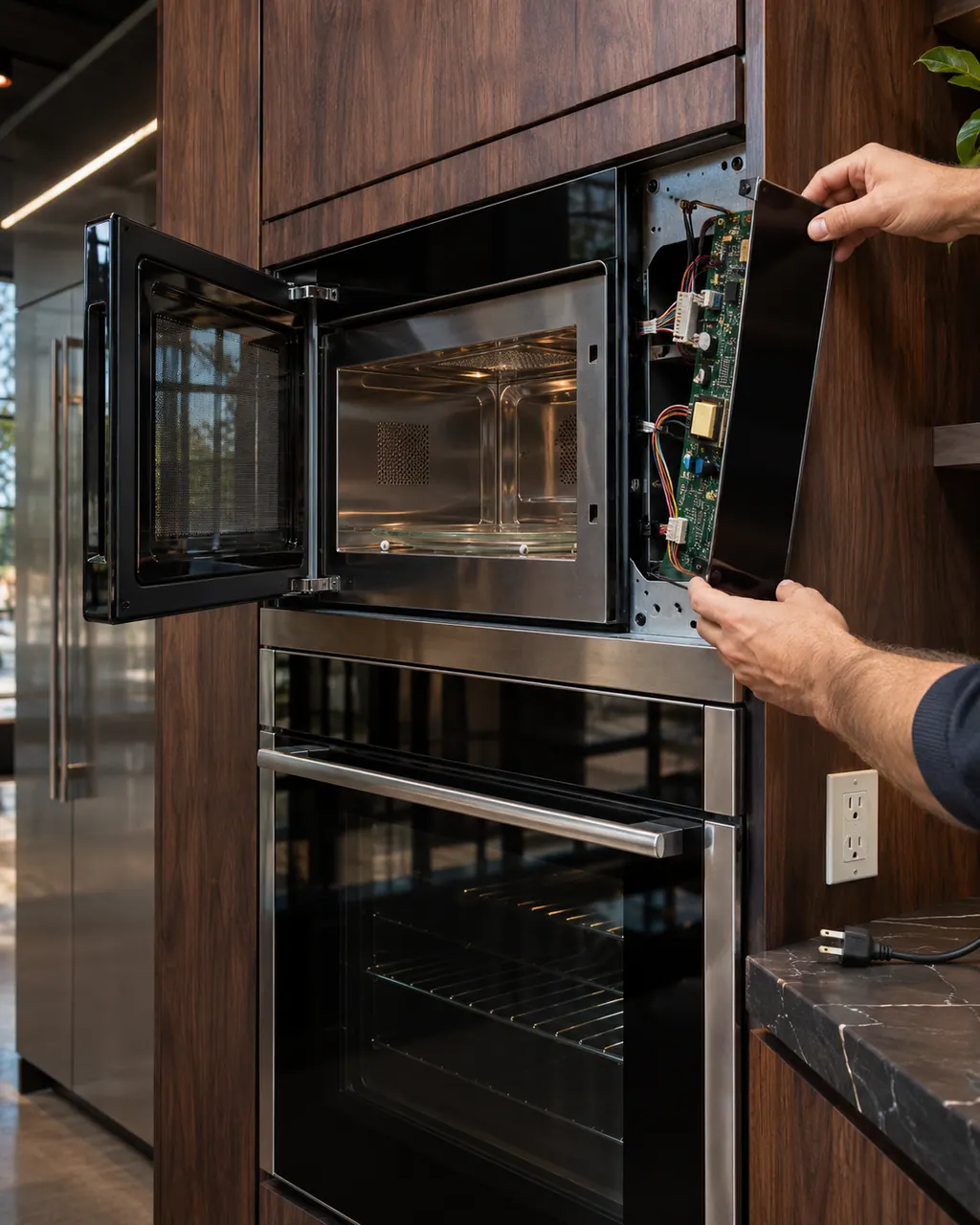
F4 E4 names the microwave humidity sensor, the microwave appliance manager or wiring on a JennAir wall oven. Reset at the breaker for a single minute, then try the microwave again without the sensor-based cooking modes.
JennAir oven F4E4 / Microwave (combination oven)
F4 E4 names the microwave humidity sensor, the microwave appliance manager or wiring on a JennAir wall oven. Reset at the breaker for a single minute, then try the microwave again without the sensor-based cooking modes.
Also shown as F4E4
F4 E4 names the microwave humidity sensor, the microwave appliance manager or wiring on a JennAir wall oven. Reset at the breaker for a single minute, then try the microwave again without the sensor-based cooking modes.
Humidity sensing is used for automatic cooking; remove any food.
F4 E4 returns after the reset.
Checks you have ticked / saved in this browser
Humidity sensing is used for automatic cooking; remove any food.

Restore and monitor.

If the code appears only in sensor modes, mention that.

Dry the cavity; moisture is harmless to wipe.
Send the model and the checks you have already run, then begin your request from this page.
Book a visit

A simplified drawing, because layouts change with the model. Tap an outlined part to see a photo and the related check.
Component reference
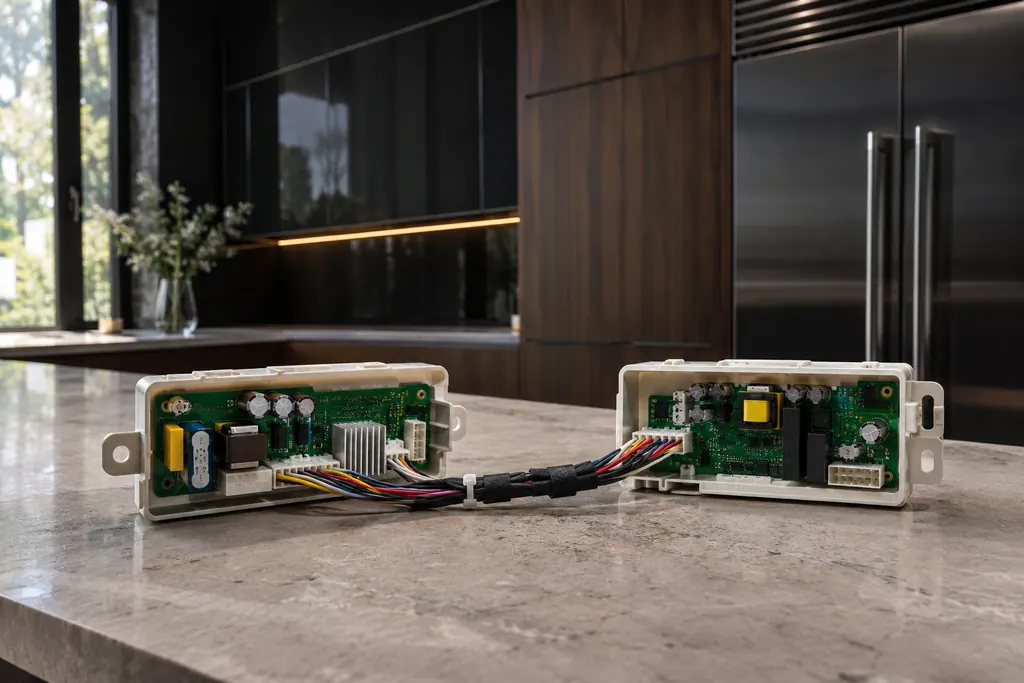
JennAir ranges and wall ovens with several cavities use an appliance manager that coordinates the oven controls.
Read the definitionSensor cooking modes judge doneness by the steam coming off food. JennAir lists the humidity sensor for F4 E4 on a combination wall oven.
Read the supporting manualThe sensor reports to the microwave's manager. Either the sensor, the manager or the wiring between them can be at issue.
Read the supporting manualJennAir does not say. Try a short manual run; if F4 E4 returns immediately, stop.
Read the supporting manualWhich cooking mode you used, and whether the code appears with an empty or loaded cavity.
Read the supporting manualManufacturer document
JennAir Product Help (producthelp.jennair.com)
dateModified 2024-11-08; PH 13350 / PH 13350 (wall oven)
PH 13350: F4E4, wall-oven.
JennAir gives no warning, but repeated sensor trouble deserves a visit.
Wipe the cavity gently. Do not poke at any opening.
Humidity relates to steam, but the page does not link it to steam cooking.
The page lists the manager among possible trouble spots.
Code or symptom, part, service call
Plain F4 is printed for wall ovens only: JennAir points at the oven cavity control or the wiring that serves it. Power the oven down at its breaker for about a minute, bring it back, and see whether F4 stays away for the next minute.
JennAir says not to judge oven temperature with a thermometer, because the elements cycle and most thermometers react too slowly. Check preheat time, racks, pan spacing and foil first, then run the biscuit test before any calibration.
JennAir ranges and wall ovens with several cavities use an appliance manager that coordinates the oven controls. The F6 family names it, sometimes with the converter control or the user interface. The pages admit there are many possible reasons, then give one reset.
Schedule a diagnostic for your model, carried out at the appliance.
Office details, plus the access notes to pass along.