What it means
F4 E5 names the microwave weight sensor or wiring on a JennAir wall oven. Reset the oven's breaker for about a minute; if the code stays away, avoid weight-based automatic programs until checked.
JennAir oven F4E5 / Microwave (combination oven)
F4 E5 names the microwave weight sensor or wiring on a JennAir wall oven. Reset the oven's breaker for about a minute; if the code stays away, avoid weight-based automatic programs until checked.
Also shown as F4E5
F4 E5 names the microwave weight sensor or wiring on a JennAir wall oven. Reset the oven's breaker for about a minute; if the code stays away, avoid weight-based automatic programs until checked.
Clear the cavity of dishes and food.
F4 E5 returns after the reset.
Checks you have ticked / saved in this browser
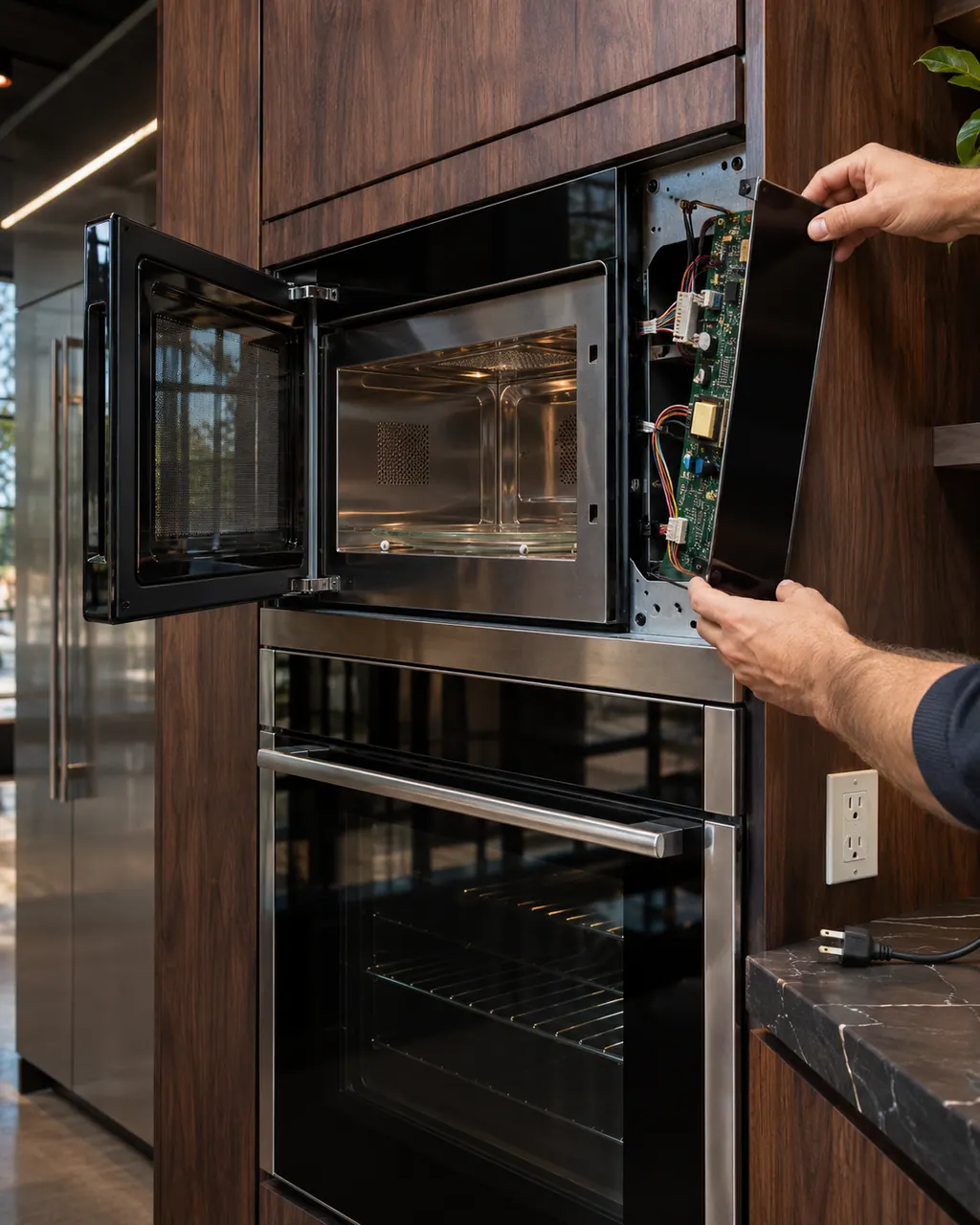
Clear the cavity of dishes and food.

Restore, then watch.

Make sure it sits correctly and spins freely.

Skip weight-based programs while the code is active.
Send the model and the checks you have already run, then begin your request from this page.
Book a visit

A simplified drawing, because layouts change with the model. Tap an outlined part to see a photo and the related check.
It estimates how much food is in the cavity so automatic programs can set times. JennAir lists it or the wiring for F4 E5.
Read the supporting manualIf your model has one, a misseated turntable can disturb weight readings. The page does not say this; it is a harmless general check.
Read the supporting manualE4 names a humidity sensor and the microwave manager. E5 names only the weight sensor or wiring.
Read the supporting manualWhen the code returns after a reset.
Read the supporting manualManufacturer document
JennAir Product Help (producthelp.jennair.com)
dateModified 2024-11-08; PH 13351 / PH 13351 (wall oven)
PH 13351: F4E5, wall-oven.
JennAir does not say. The page lists the microwave weight sensor or its wiring, so after the reset, test with a short manual run before relying on the oven for a full meal.
No. The weight sensor is a part inside the oven, not an owner repair. Reset the breaker for about a minute, and book a visit if the code returns.
Not per JennAir's page, which lists the weight sensor or its wiring only. Checking that the turntable sits correctly and spins freely is a harmless general step of ours.
The page does not say so. It lists the weight sensor or its wiring, not the power supply, so a breaker reset is a first step rather than a diagnosis.
Code or symptom, part, service call
Plain F4 is printed for wall ovens only: JennAir points at the oven cavity control or the wiring that serves it. Power the oven down at its breaker for about a minute, bring it back, and see whether F4 stays away for the next minute.
JennAir says not to judge oven temperature with a thermometer, because the elements cycle and most thermometers react too slowly. Check preheat time, racks, pan spacing and foil first, then run the biscuit test before any calibration.
Schedule a diagnostic for your model, carried out at the appliance.
Office details, plus the access notes to pass along.