What it means
Temperature Reached Insert Food on a JennAir steam wall oven means preheating is finished and the set temperature has been reached. Open the door carefully and put the food in.
JennAir oven Temperature Reached Insert Food / Steam oven message
Temperature Reached Insert Food on a JennAir steam wall oven means preheating is finished and the set temperature has been reached. Open the door carefully and put the food in.
Also shown as Temperature Reached Insert Food
Temperature Reached Insert Food on a JennAir steam wall oven means preheating is finished and the set temperature has been reached. Open the door carefully and put the food in.
Steam can rush out when the door opens.
The message appears while the oven is cold.
Checks you have ticked / saved in this browser
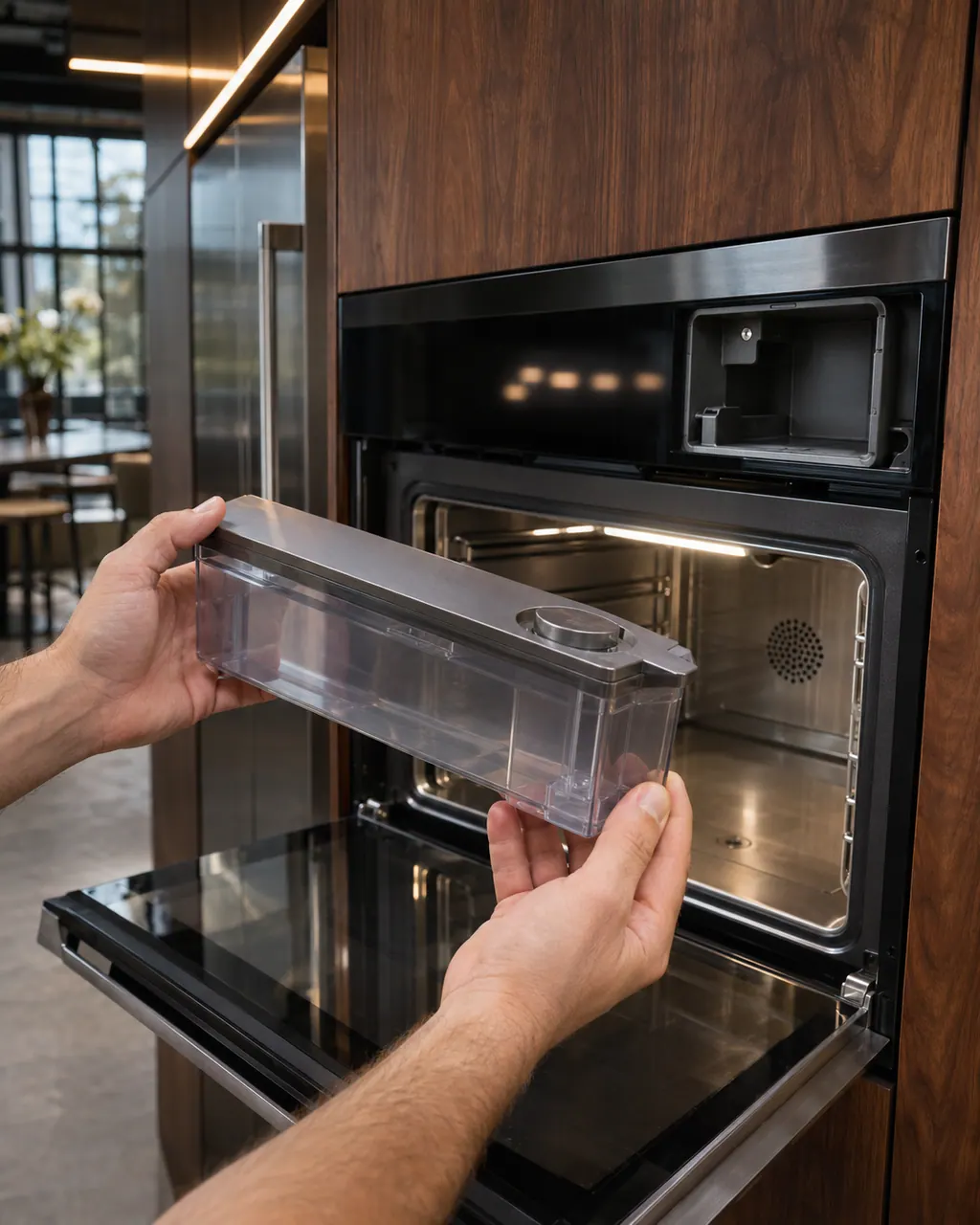
Steam can rush out when the door opens. Keep your face back.

Use oven mitts.

Open time costs the temperature you just reached.

The set time then counts down.
Send the model and the checks you have already run, then begin your request from this page.
Book a visit
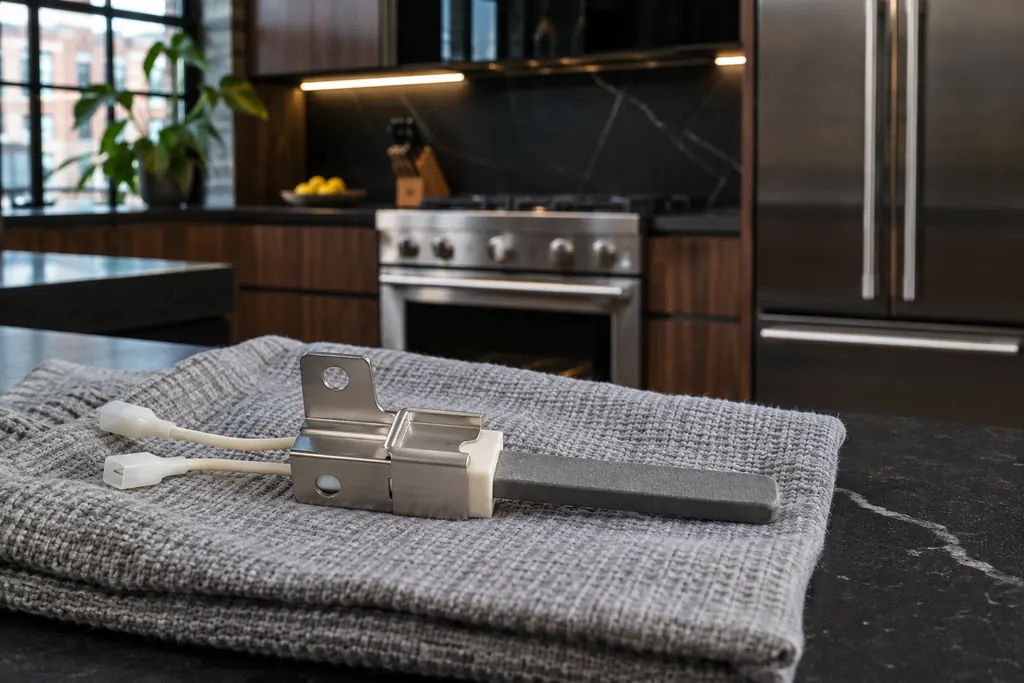

A simplified drawing, because layouts change with the model. Tap an outlined part to see a photo and the related check.
Preheating is complete and the oven is at your set temperature. It is the cue to load the food.
Read the supporting manualNo. It is a normal step in a steam oven cycle.
Read the supporting manualJennAir does not say how long the oven holds temperature. A short wait is normally fine, but a long one may change results.
Read the supporting manualIf the message appears while the oven is still cold, or never appears after a long preheat.
Read the supporting manualManufacturer document
JennAir Product Help (producthelp.jennair.com)
dateModified 2024-11-08; PH 13437 / PH 13437 (steam oven)
PH 13437: TEMPERATURE-REACHED-INSERT-FOOD, steam-oven.
The page only tells you to insert food.
This JennAir page is for the steam oven.
Hot steam escapes at the door seam when it opens, so open it slowly.
The message appears when the set temperature is reached.
Code or symptom, part, service call
JennAir says not to judge oven temperature with a thermometer, because the elements cycle and most thermometers react too slowly. Check preheat time, racks, pan spacing and foil first, then run the biscuit test before any calibration.
Schedule a diagnostic for your model, carried out at the appliance.
Office details, plus the access notes to pass along.