What it means
FC E4 names the Wi-Fi antenna or its wiring on a JennAir range or wall oven. Reset the breaker for sixty seconds; if the code returns, the problem is inside the oven and needs a technician.
JennAir oven FCE4 / Wi-Fi hardware
FC E4 names the Wi-Fi antenna or its wiring on a JennAir range or wall oven. Reset the breaker for sixty seconds; if the code returns, the problem is inside the oven and needs a technician.
Also shown as FCE4
FC E4 names the Wi-Fi antenna or its wiring on a JennAir range or wall oven. Reset the breaker for sixty seconds; if the code returns, the problem is inside the oven and needs a technician.
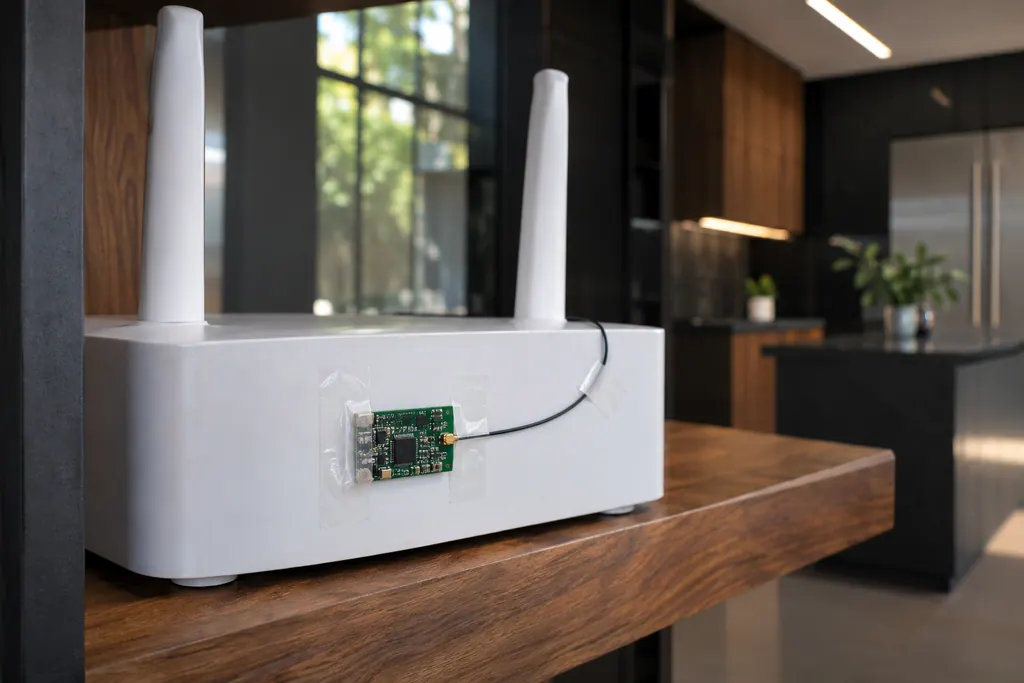
Confirm other devices work next to the oven, to rule out the router.
FC E4 returns after the reset.
Checks you have ticked / saved in this browser
Confirm other devices work next to the oven, to rule out the router.

Restore power and wait.

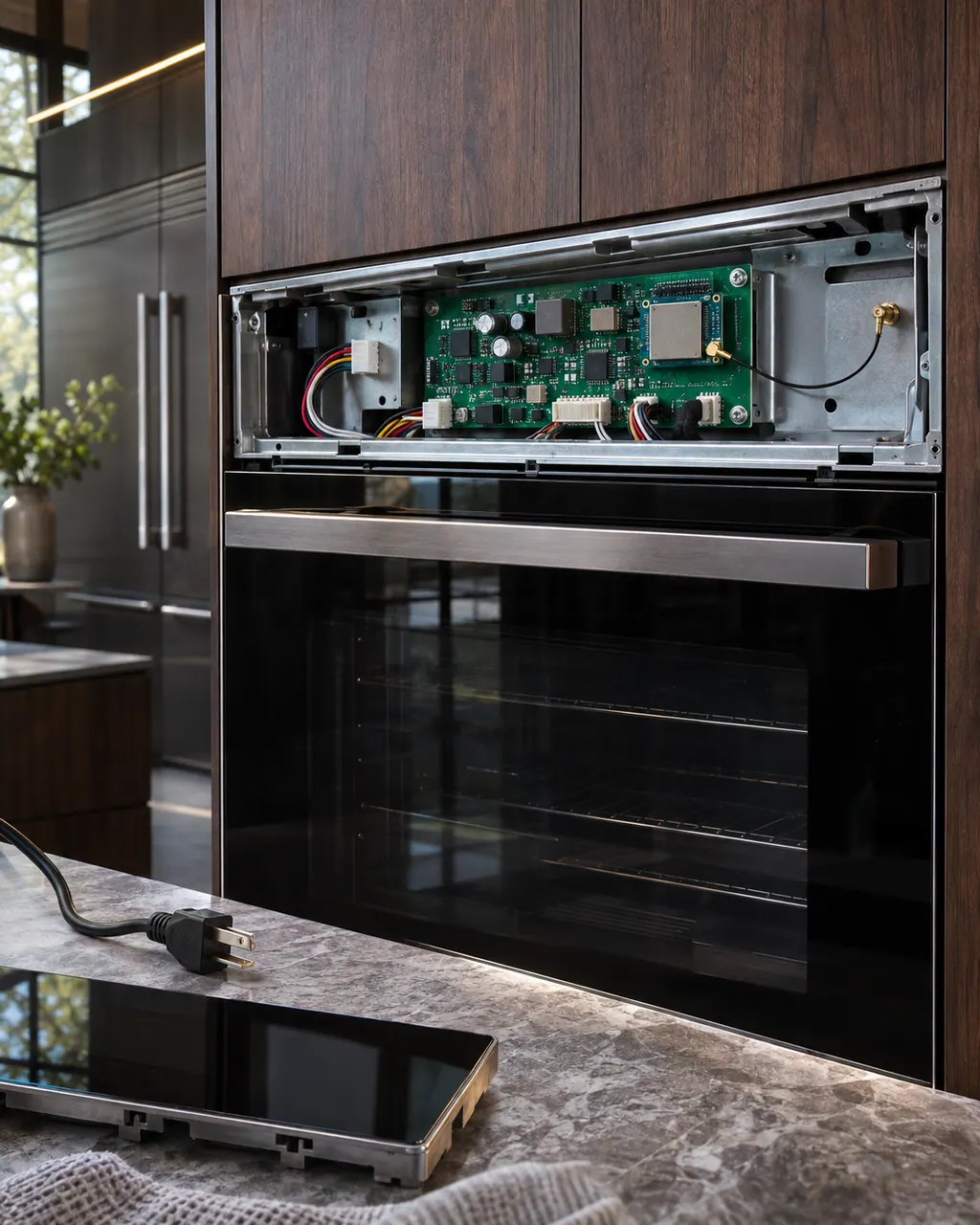
The antenna sits behind trim and is wired to the Wi-Fi module.

Say it is FC E4 and name your model.
Send the model and the checks you have already run, then begin your request from this page.
Book a visit

A simplified drawing, because layouts change with the model. Tap an outlined part to see a photo and the related check.
Component reference
The Wi-Fi module links a connected JennAir oven to your router.
Read the definitionIt is the small radiating element that lets the oven talk to your router. JennAir lists it, or the wiring to it, for FC E4.
Read the supporting manualE1 points at the network side first. E4 names hardware in the oven, so the router restarts are less likely to help.
Read the supporting manualE5 prints the same antenna wording. The pages give no reason for two numbers.
Read the supporting manualJennAir's pages do not say it does. It concerns connected features.
Read the supporting manualManufacturer document
JennAir Product Help (producthelp.jennair.com)
dateModified 2024-08-16; PH 12999 / PH 12999 (range)
Manufacturer document
JennAir Product Help (producthelp.jennair.com)
dateModified 2024-11-08; PH 13243 / PH 13243 (wall oven)
PH 12999, 13243: FCE4, range/wall-oven.
Yes, but by a technician rather than as an owner job. The antenna sits behind trim and is wired to the Wi-Fi module, so a code that survives the reset means a visit.
The page does not say. It lists only the Wi-Fi antenna or its wiring, so if the code returns after the reset, a technician has to look at the antenna inside the oven.
No. It names the oven's own antenna or its wiring, while the FC E1 to E3 codes are the router connection codes. Another device working beside the oven confirms the network is not the problem.
One retry is enough. Reset the breaker for about a minute, and if the code returns, stop retrying and book a visit, saying it is FC E4 and giving your model.
Code or symptom, part, service call
JennAir prints no bare FC. FC E1 to E9 are connected-appliance codes on ranges and wall ovens: E1 to E3 and E7 say the oven could not reach your router, E4 and E5 name the Wi-Fi antenna, E6 and E9 the Wi-Fi power module, and E8 is a registration entry error. Start with the home network.
JennAir says not to judge oven temperature with a thermometer, because the elements cycle and most thermometers react too slowly. Check preheat time, racks, pan spacing and foil first, then run the biscuit test before any calibration.
The Wi-Fi module links a connected JennAir oven to your router. FC E1 to FC E3 mean the appliance could not connect; FC E4 and FC E5 name the antenna; FC E6 and FC E9 name the power module. A router restart is the first owner step; the oven itself still bakes.
Schedule a diagnostic for your model, carried out at the appliance.
Office details, plus the access notes to pass along.