Start from the symptom
JennAir oven range burner won't light.
JennAir's order for a gas burner that clicks or will not light starts at the gas shut-off, then the circuit, moisture, a cap that sits crooked and clogged ports. Clicking from all burners at once is normal when one is lit.
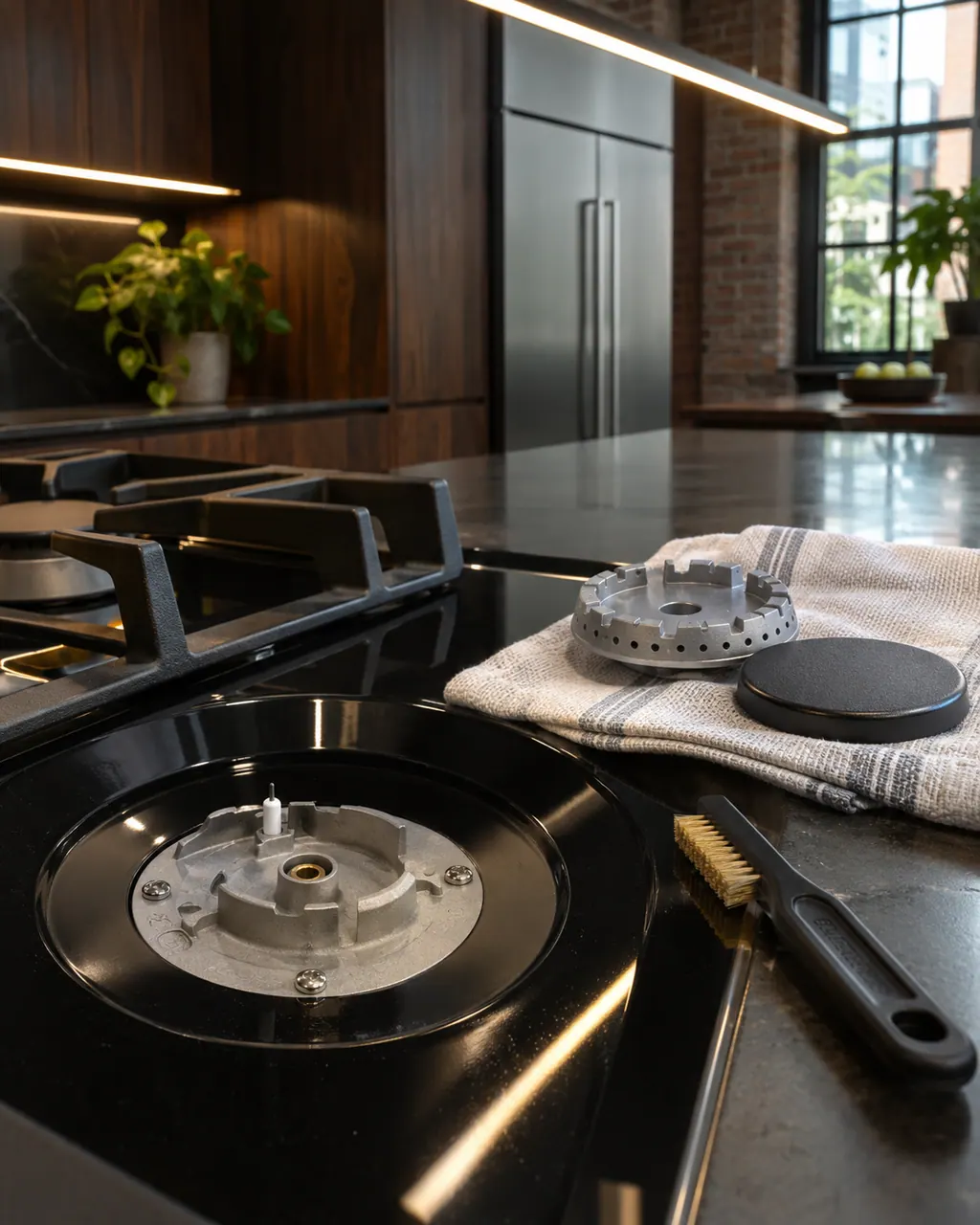
Start with safe observations.
Turn the appliance off and unplug it before any check you can do yourself. Look out for pooled water and sharp edges. Never touch a wet plug or live area, take off service panels, or go past your model’s owner instructions.
- 1
Check the main gas valve
Confirm the shut-off on the supply is open. With most ball valves the handle runs parallel to the pipe when gas flows. After an install, run one burner to clear air from the line.
- 2
Check power and lock
Check the breaker or fuse. After a power loss some cooktops come back in control lockout; hold the cooktop lock key for three seconds on models that have one.
- 3
Let the burner dry
Cleaning or a spill leaves moisture in the burner or at the knob switches. JennAir says to let it dry, helped by cool air from a hairdryer.
- 4
Reseat the cap and clean the ports
With the top cool, remove the cap and base, wipe the gas tube opening and clear ports with a straight pin. Refit so the cap is flush and not wobbling.
- 5
Check the knob
The igniter sparks only at the ignite position, and the knob has to be pressed in and turned.
- 6
Downdraft vents
A downdraft vent can pull the flame off the igniter so it keeps sparking. JennAir suggests lowering the blower speed or raising the flame.
Systems a technician may investigate.
We name no part before the visit. After the diagnostic the technician tells you which part, if any, has failed, and matches it to your model and serial number before anything is replaced.
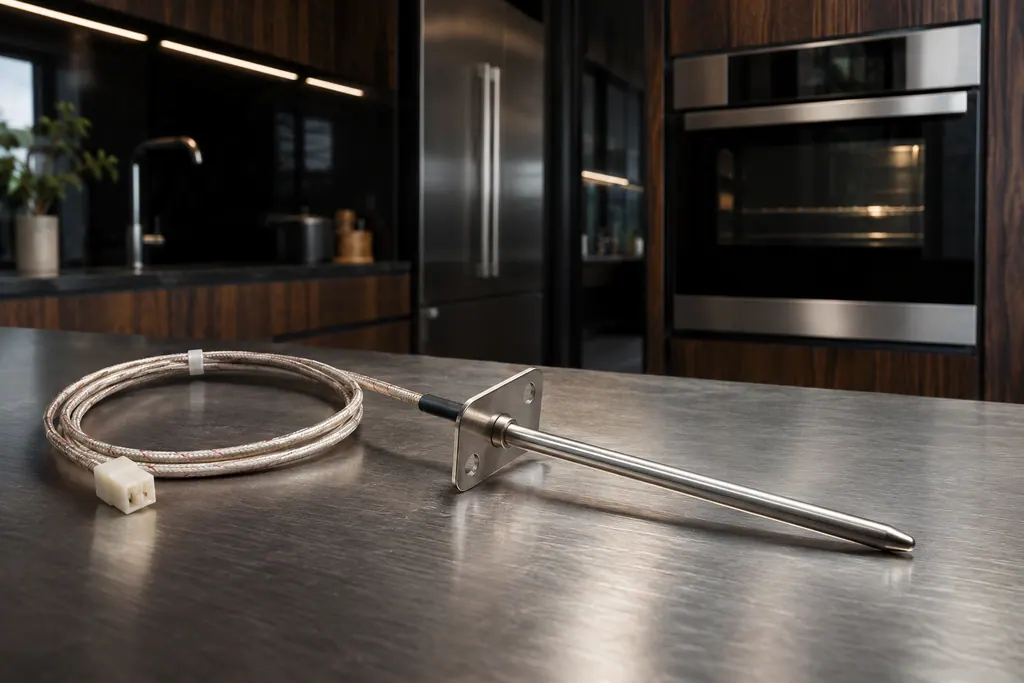
Oven temperature sensor
JennAir Product Help ties F1, F2 and several F3 codes to the oven temperature sensor, the control or the wiring between them. The sensor reports cavity heat to the control. The help pages pair it with the control, so one reset is the only owner step.
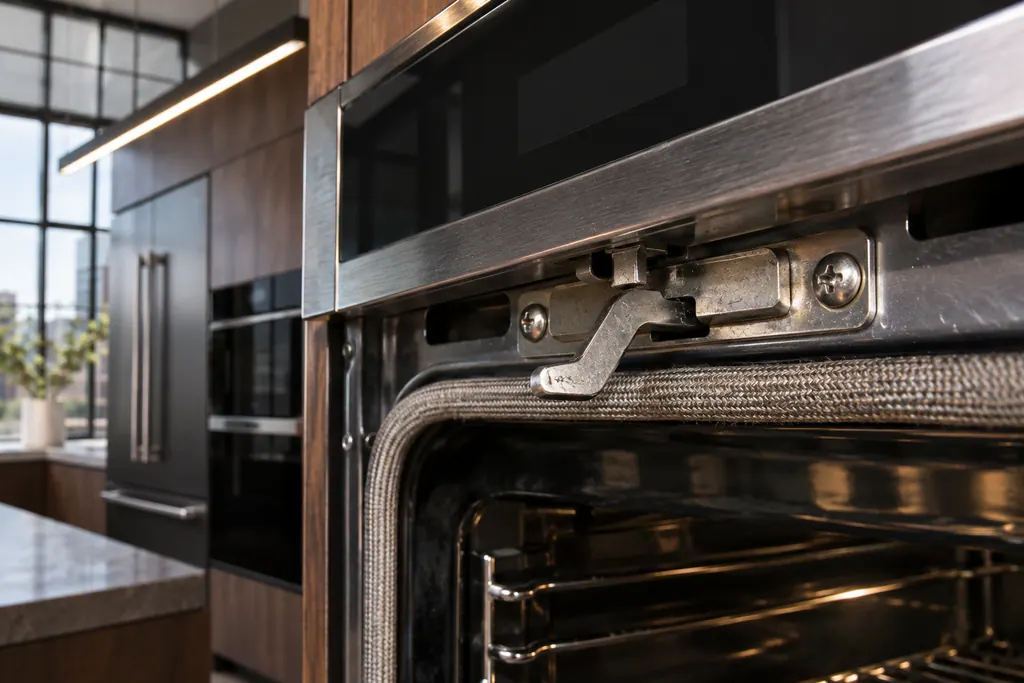
Oven door latch assembly
The latch assembly and its door switch lock the oven door for self-clean and report that the door is closed. JennAir lists them for F5 codes and F7 E0, and for the locked-door and door-will-not-close pages. A bent latch arm is one check you can do yourself.

Oven electronic control
The electronic control is the board that manages the oven functions. JennAir names it in F1 E1, F3 and F4 codes, and as the shared suspect in many sensor and keypad codes. The help pages give one owner step, a one-minute power-down, and do not name a repair.
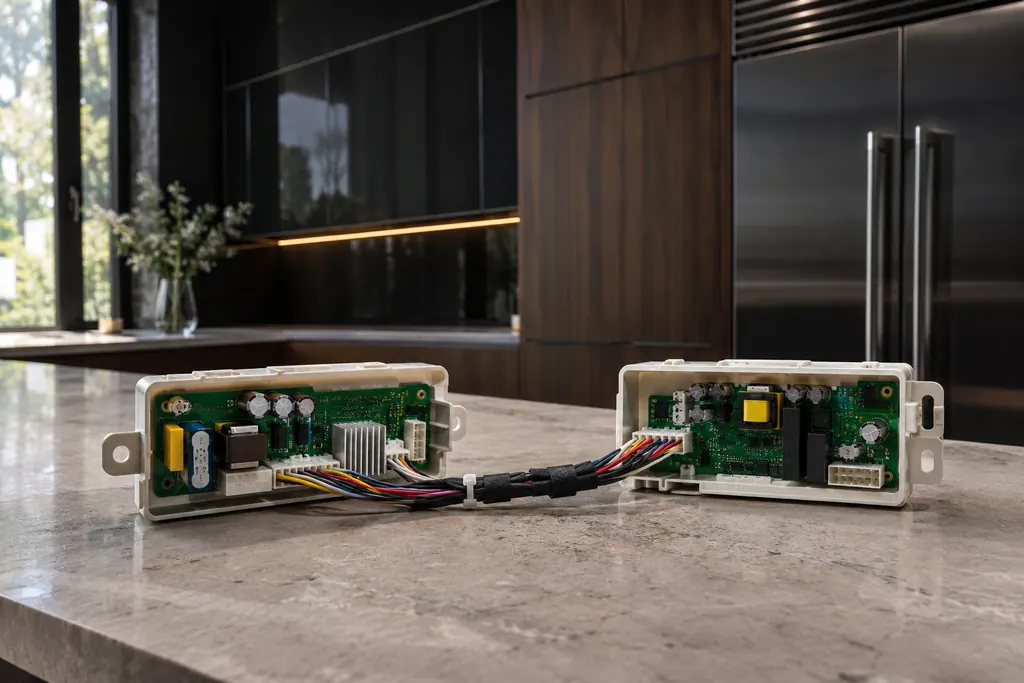
Appliance manager control
JennAir ranges and wall ovens with several cavities use an appliance manager that coordinates the oven controls. The F6 family names it, sometimes with the converter control or the user interface. The pages admit there are many possible reasons, then give one reset.
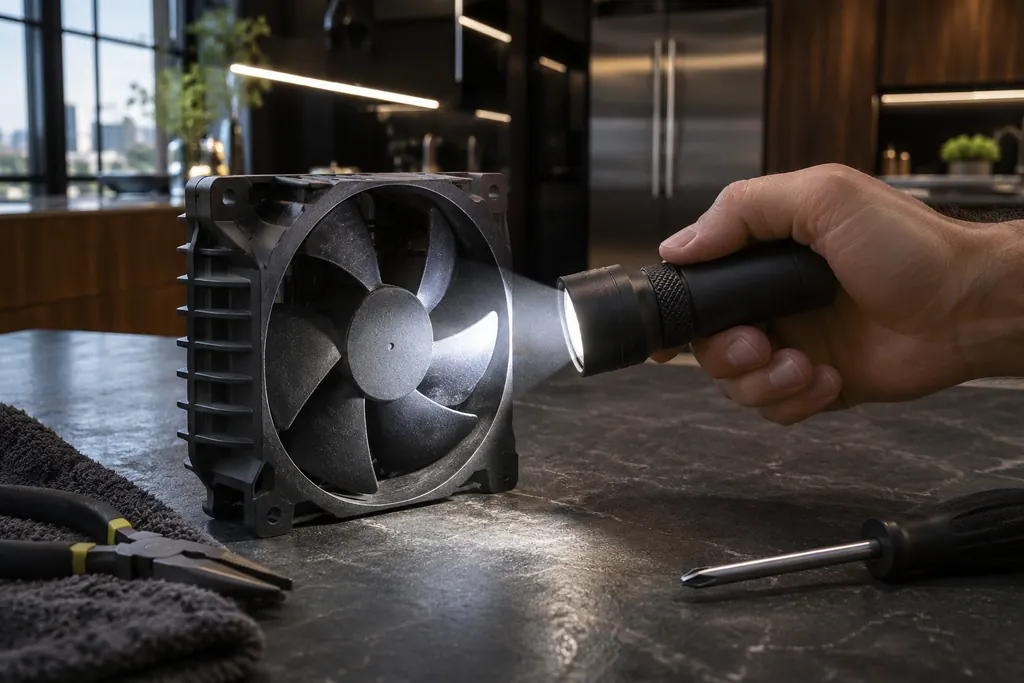
Oven cooling fan
JennAir ovens run a cooling fan during and after use, and the pages say that humming is normal. An F8 E0 code is different: it says the fan speed is too low and points to an airflow restriction, the fan or its wiring. Check for blocked airflow, reset, then book.
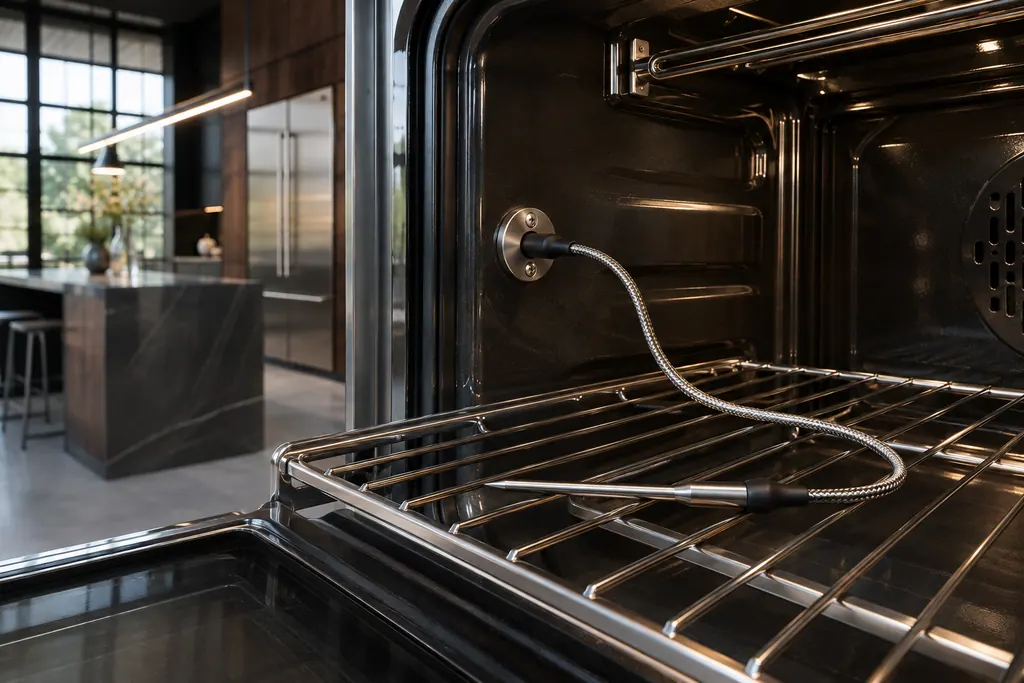
Meat probe receptacle
Several JennAir F3 and F8 codes come from the meat probe. The pages ask you to confirm the probe is seated in its receptacle, and on some wall ovens to check a power attachment on the roll-out rack. These are quick owner checks before any reset.

Oven keypad and user interface
The user interface is the keypad or touch panel you press. JennAir lists it in the F2 family (F2 E0 to F2 E6), where F2 E1 often means a key is stuck or held too long. The help pages suggest checking cooktop grates on some ranges, then a one-minute reset.
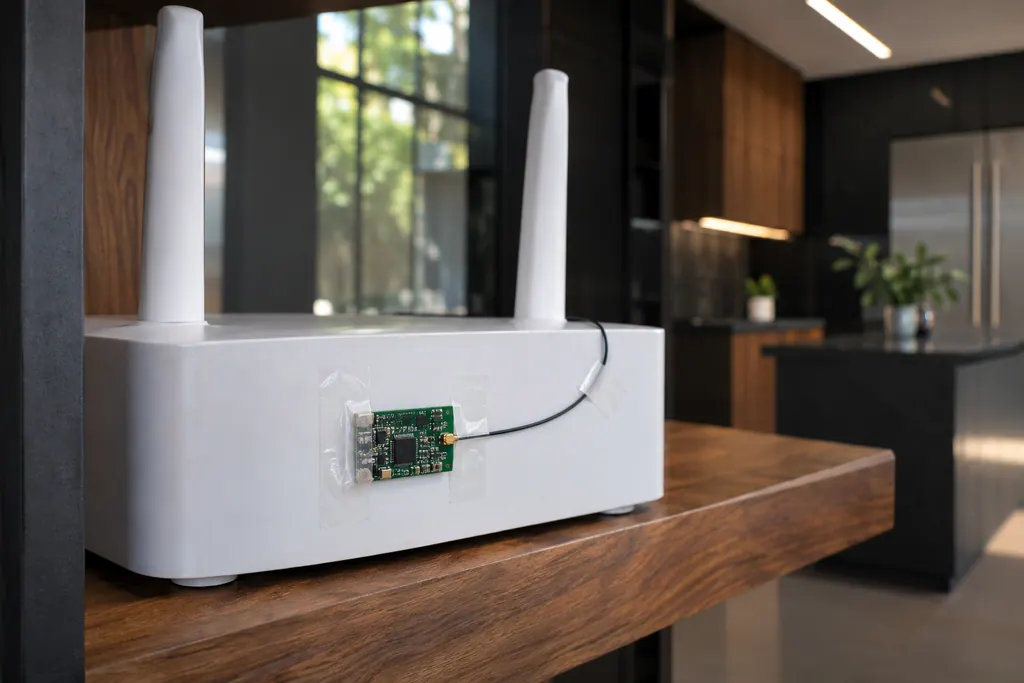
Oven Wi-Fi module
The Wi-Fi module links a connected JennAir oven to your router. FC E1 to FC E3 mean the appliance could not connect; FC E4 and FC E5 name the antenna; FC E6 and FC E9 name the power module. A router restart is the first owner step; the oven itself still bakes.
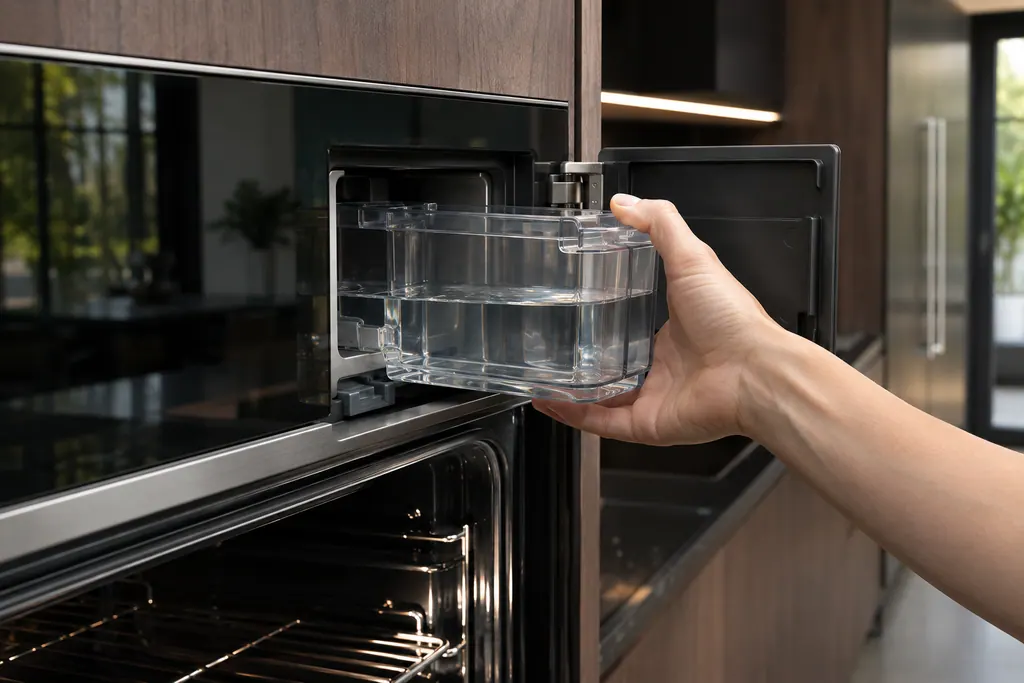
Steam oven water system
Wall ovens with steam keep water in a removable container and a boiler. JennAir names the water level sensor, the boiler temperature sensor, the water filter and the conductivity sensor in F7 E0 to F7 E4. The routine messages (descale, refill, empty) are owner tasks.
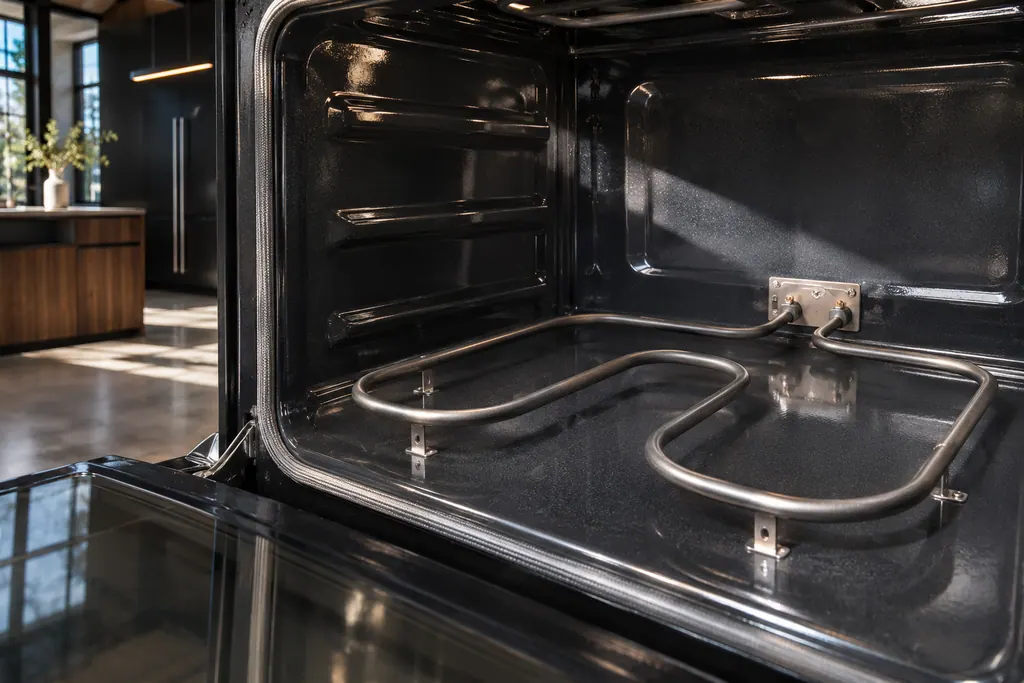
Bake and broil elements
On JennAir ranges, FEE6 names the main cavity bake element and FEE7 the main cavity broil element, each with its wiring. The pages offer one owner step: a one-minute breaker reset. An element that stays cold afterwards needs a technician with the power off.
If the display adds a code.
Read the related care guide.
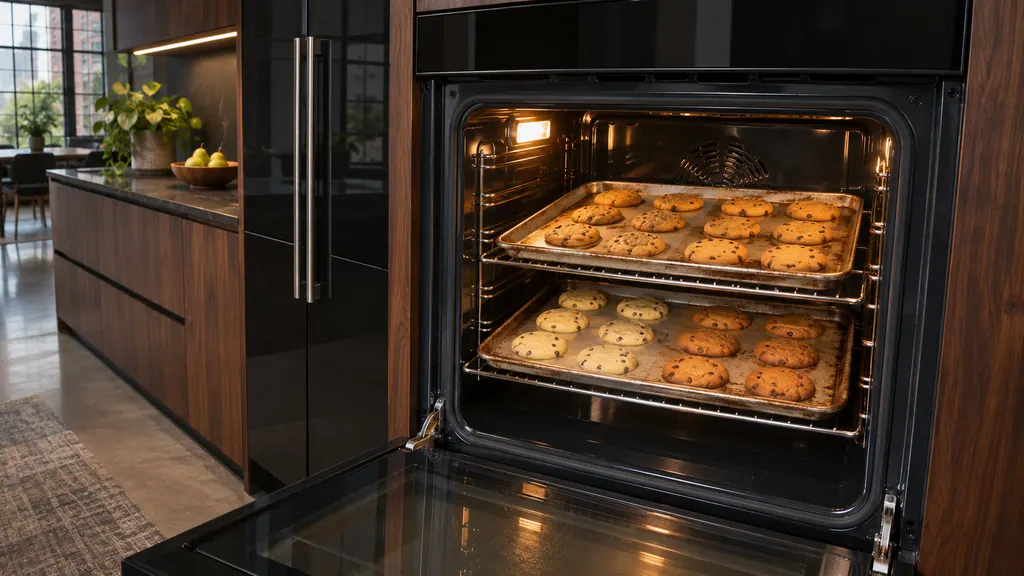
Oven browning one side? Check the pans first.
Uneven baking in a JennAir oven usually comes from pans, preheating or rack position before it points to the oven. Dark pans brown more, shiny pans brown less, and food loaded early gets too much top heat. Fix those, then check level and airflow. [1][2]
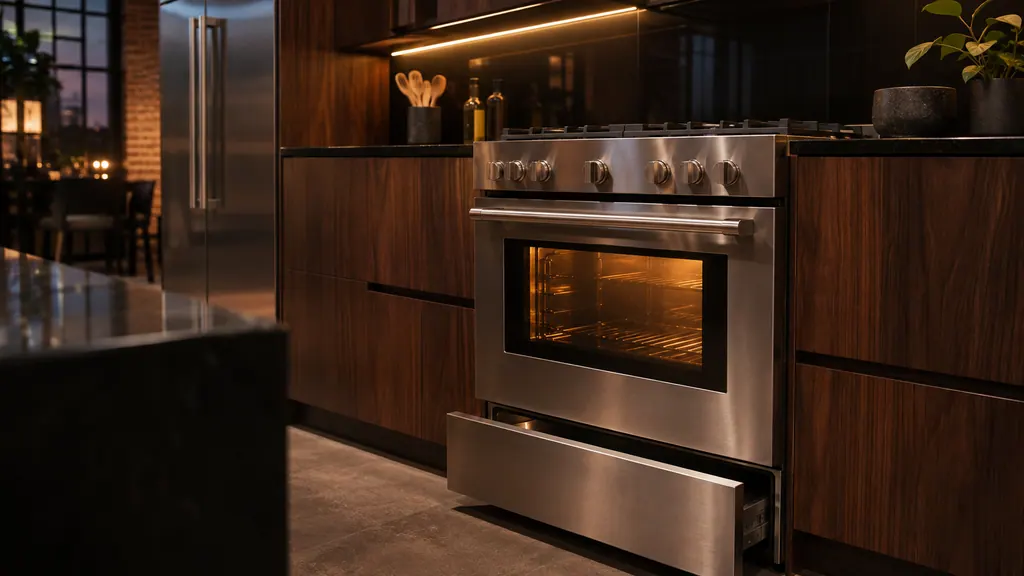
Gas oven clicking? Here is the normal sound.
Short clicks while a JennAir gas oven preheats are normal: the igniter sparks until it detects a flame, and on a range that can repeat every 1 to 3 minutes. Clicking with no flame, or a gas smell, is different. Check the valves and the door, and stop if you smell gas. [1][2]
When observation becomes a service request.
Leave internal testing to a technician.
No burner lights even though the gas valve is open and the power works, a burner clicks with no flame after cleaning, or you smell gas. If you smell gas, leave and call your gas utility. Otherwise schedule a technician visit.
Arrange a diagnosticSources and model boundaries.
The JennAir range burner won't light guidance rests on these references. Pick the manual that fits your model.
- None of the Burners are Lighting - Product Help | JennAir
- Only One or Some of the Burners are Lighting - Product Help | JennAir
- Surface Burner(s) Sparking or Clicking - Product Help | JennAir
- Oval Burner Clicking - Product Help | JennAir
- Burner Cap (Spreader) Installation - Product Help | JennAir
- Gas Burners are Clicking but Not Lighting - Product Help | JennAir
- Checking the Main Gas Valve - Product Help | JennAir
Go by the instructions for your own model. See how we research these pages.
Why does my whole cooktop click when I light one burner?
JennAir says all surface burners click while only the one at the lite position produces a flame. Look at the burner to confirm it lit.
Why do my burners click but not light?
JennAir lists lockout after a power loss, a closed gas valve, wet burners, clogged ports and a misaligned cap among the causes.
Why does the igniter keep sparking while the flame is on?
Models with reignition spark when a draft or a spill puts a burner out and stop once it relights. A downdraft vent can also cause it.
How do I know the gas valve is on?
JennAir says most valves are lever ball valves, with the handle parallel to the line meaning gas flows. If you cannot find it, have a technician locate it.
Code or symptom, part, service call
Tie the message to what comes next.
Cooktop Lock
Cooktop Lock on a JennAir range means the control lock for the surface cooking areas is on. JennAir describes it as protection against unintended use. Touch and hold LOCK for three seconds to turn it off.
JennAir oven temperature problems
JennAir says not to judge oven temperature with a thermometer, because the elements cycle and most thermometers react too slowly. Check preheat time, racks, pan spacing and foil first, then run the biscuit test before any calibration.
Oven repair
Schedule a diagnostic for your model, carried out at the appliance.
Find your metro
Office details, plus the access notes to pass along.