
Diagnostics and repair
Seasoned technicians inspect the appliance before suggesting any work. OEM parts are available on order, matched to your model.
The care journal
What the code on your display means, how neighboring codes differ and what to try first.
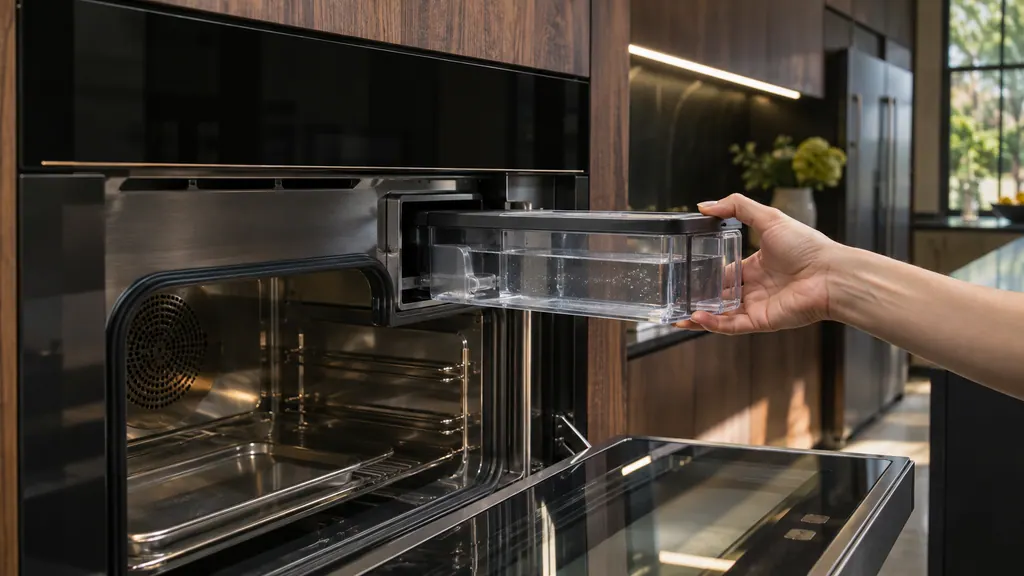
A JennAir steam oven asks for a fresh fill of its water container before each steam cycle and empties the boiler through the Maintenance menu. When Descale is needed shows, run the Descaling cycle with an empty oven and let it finish; it cannot be stopped partway. Water drips and pump noise have simple answers too.
After a power cut a JennAir oven usually shows a flashing time, 12:00 or POWER LOSS. Press CANCEL to clear it, then enter the time. The oven may also be locked or in demo mode, which look like a dead oven but are not. A lasting F9 means a one-minute breaker reset, then a check of the home wiring.
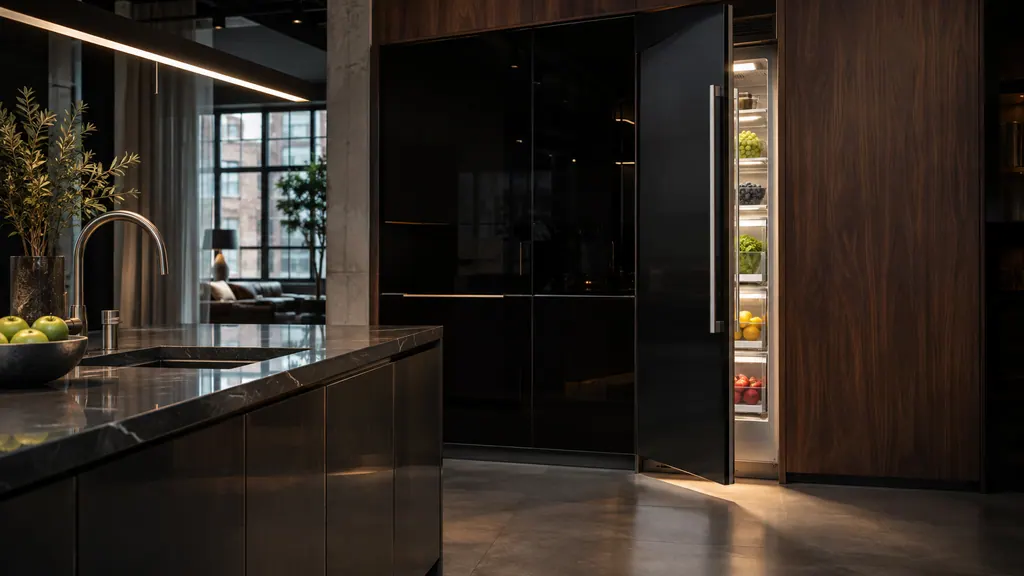
A JennAir column refrigerator or freezer gives three alerts you can act on: Door Open after about five minutes with a door ajar, Over-Temp when temperatures stay high, and Replace Filter when the filter is due. Close the door, check the temperature, replace and reset the filter. F3E0-style codes have no steps.
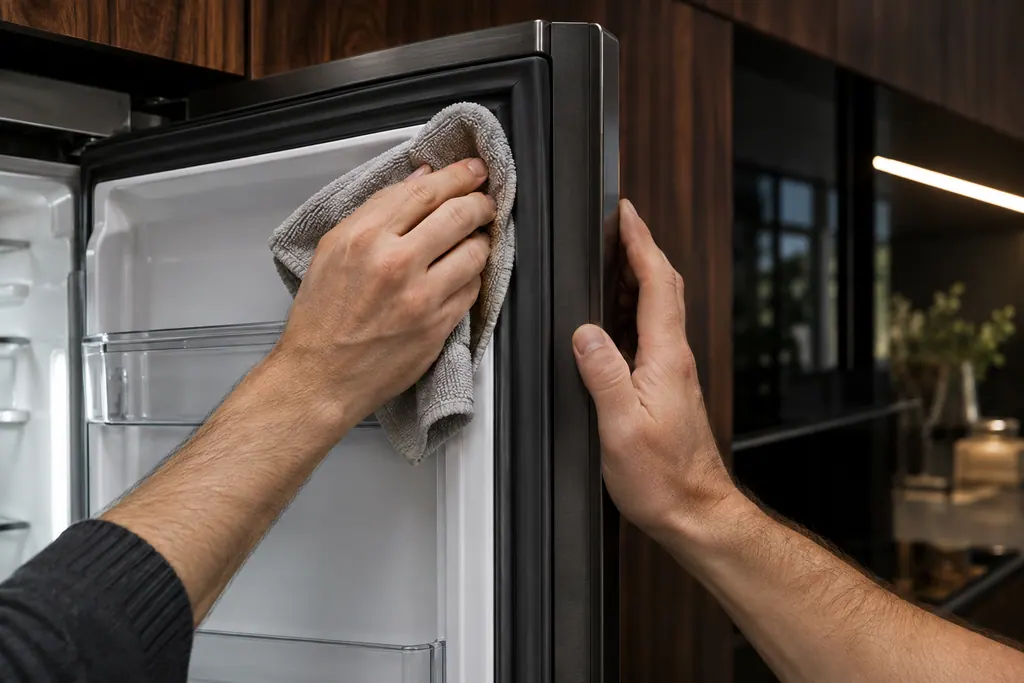
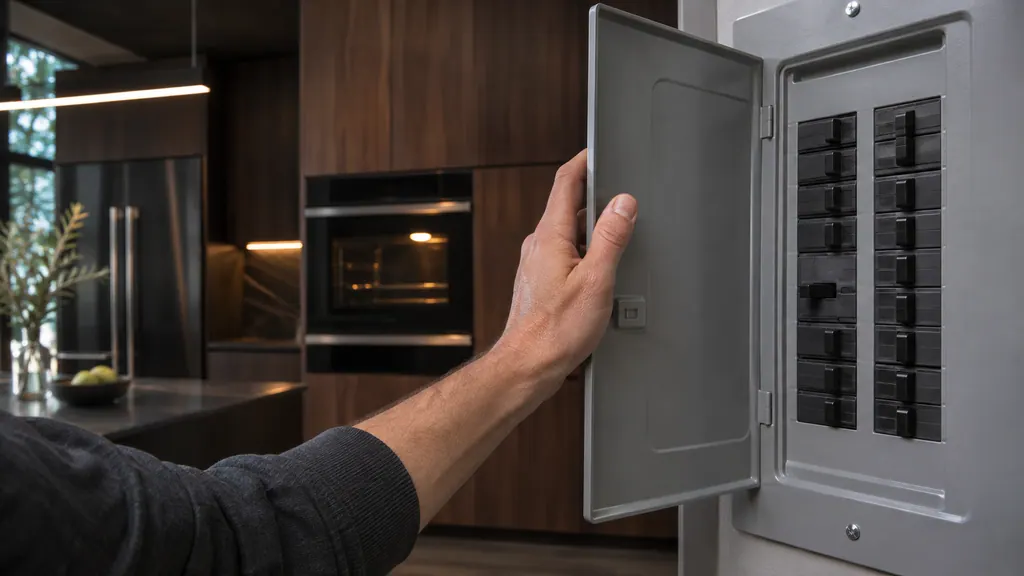
A message on the display may clear with Cancel alone. Do this before touching the breaker, and note exactly what the display showed.
Read the full sequence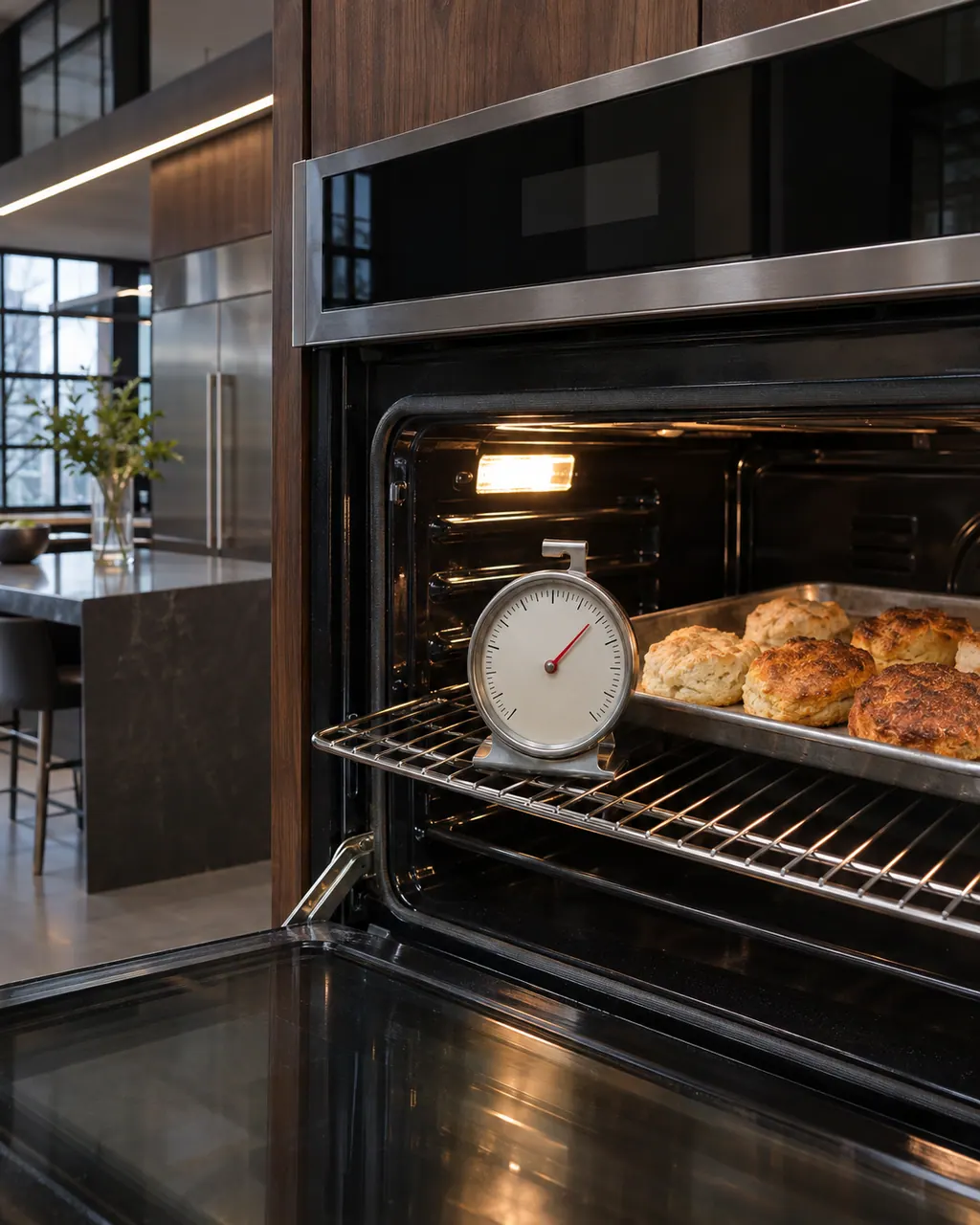
JennAir says not to judge oven temperature with a thermometer, because the elements cycle and most thermometers react too slowly. Check preheat time, racks, pan spacing and foil first, then run the biscuit test before any calibration.
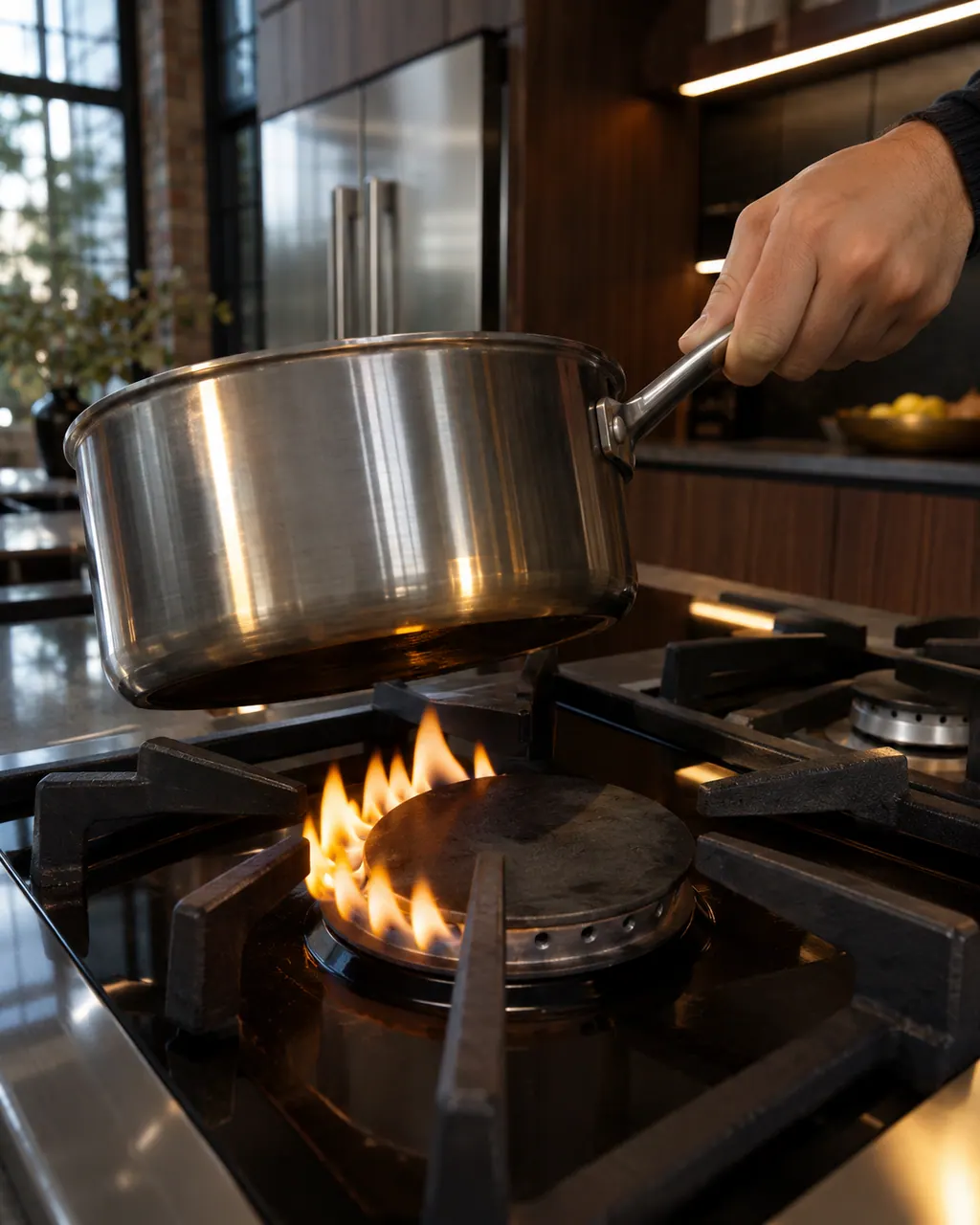
Find your cooktop type first. Glowing that cycles on and off is normal on electric coil and glass tops, and gas flame trouble starts with clean ports and a seated cap. LP conversion or a wrong gas type needs a technician.
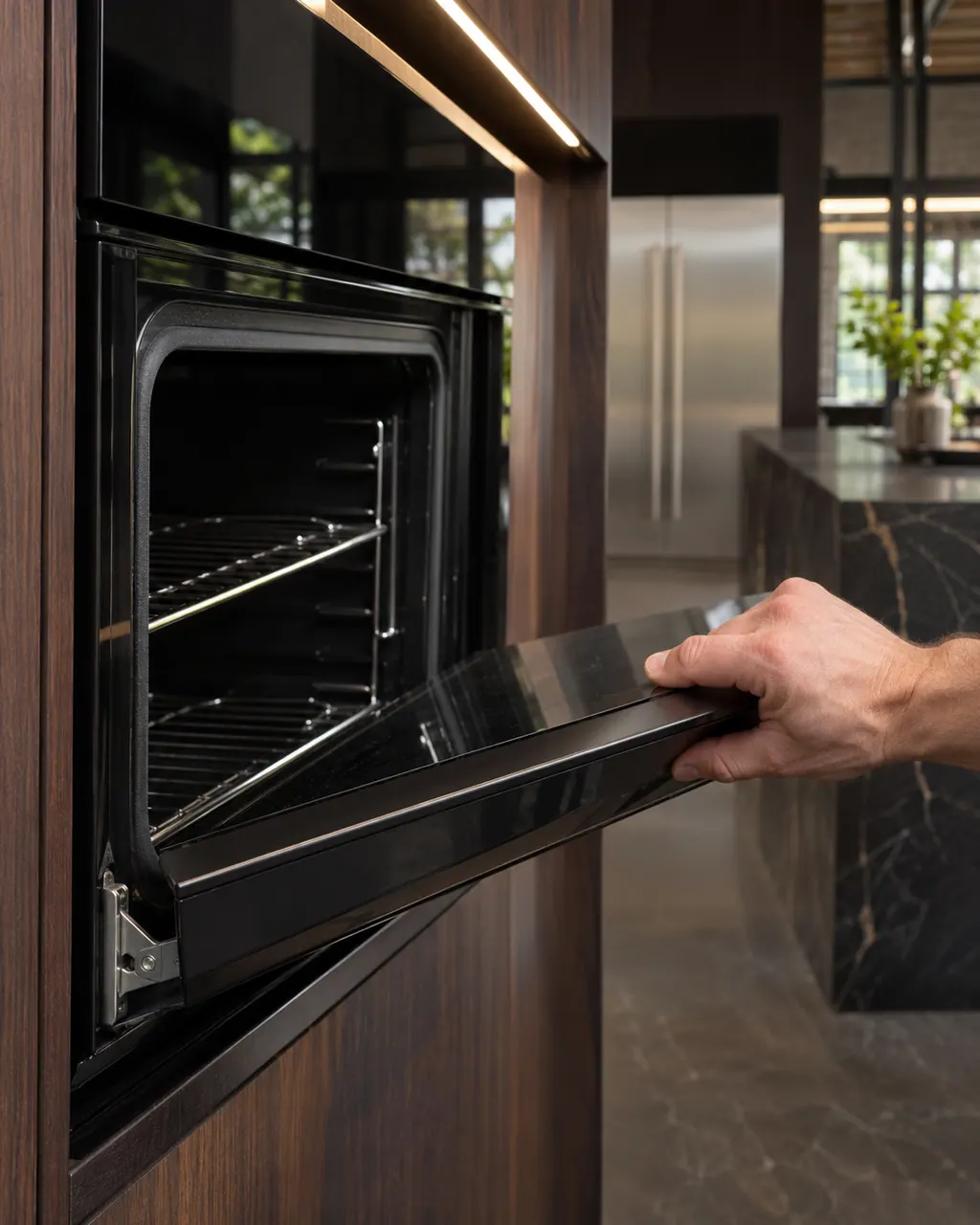
Most JennAir door complaints trace to something blocking the latch, a rack or pan that is not seated, or a door put back on wrong. Moisture on the glass and a rainbow tint are listed as normal and need no repair.
F9 on a JennAir wall oven most often means the oven was wired wrongly at the home supply or the hard-wire connection, with L2 and N swapped as the example; a steam oven page gives only a reset. Call an electrician before using the oven again.
F5 E0 is a door latch message with three readings: ranges and wall ovens name the latch assembly, door switch or wiring, while a professional-style range asks you to check that the main door is seated. Re-seat the door, then power cycle.
F0E0 reads differently by product. A professional-style JennAir range prints it as an all-clear: the system was checked and shows no error. A freestanding range or wall oven lists a component of the oven control system, the electronic control or the wiring. Reset at the breaker for one minute on those two.
Seasoned technicians inspect the appliance before suggesting any work. OEM parts are available on order, matched to your model.
If JennAir's manufacturer warranty covers the repair, JennAir itself does the work. We back our own workmanship with a warranty.
They may describe different product types, a range and a wall oven for instance. The code page keeps each wording and names its product type.
We state what the articles do say, give the safe checks and recommend a visit. We do not guess a cause.
No. Where a cause names a part, we mark it as information for a technician and keep owner advice to the checks JennAir itself lists.
Photograph the display first. Clearing it can erase a message that shows only once, and the picture helps the technician.
Code or symptom, part, service call
JennAir says not to judge oven temperature with a thermometer, because the elements cycle and most thermometers react too slowly. Check preheat time, racks, pan spacing and foil first, then run the biscuit test before any calibration.
Schedule a diagnostic for your model, carried out at the appliance.
Office details, plus the access notes to pass along.