Model-specific code library
JennAir oven Cooktop message codes
7 printed codes in this group: C81, C82, C83, Cooktop indicator flashing, Cooktop indicator or hot light on, Cooktop Lock, H.
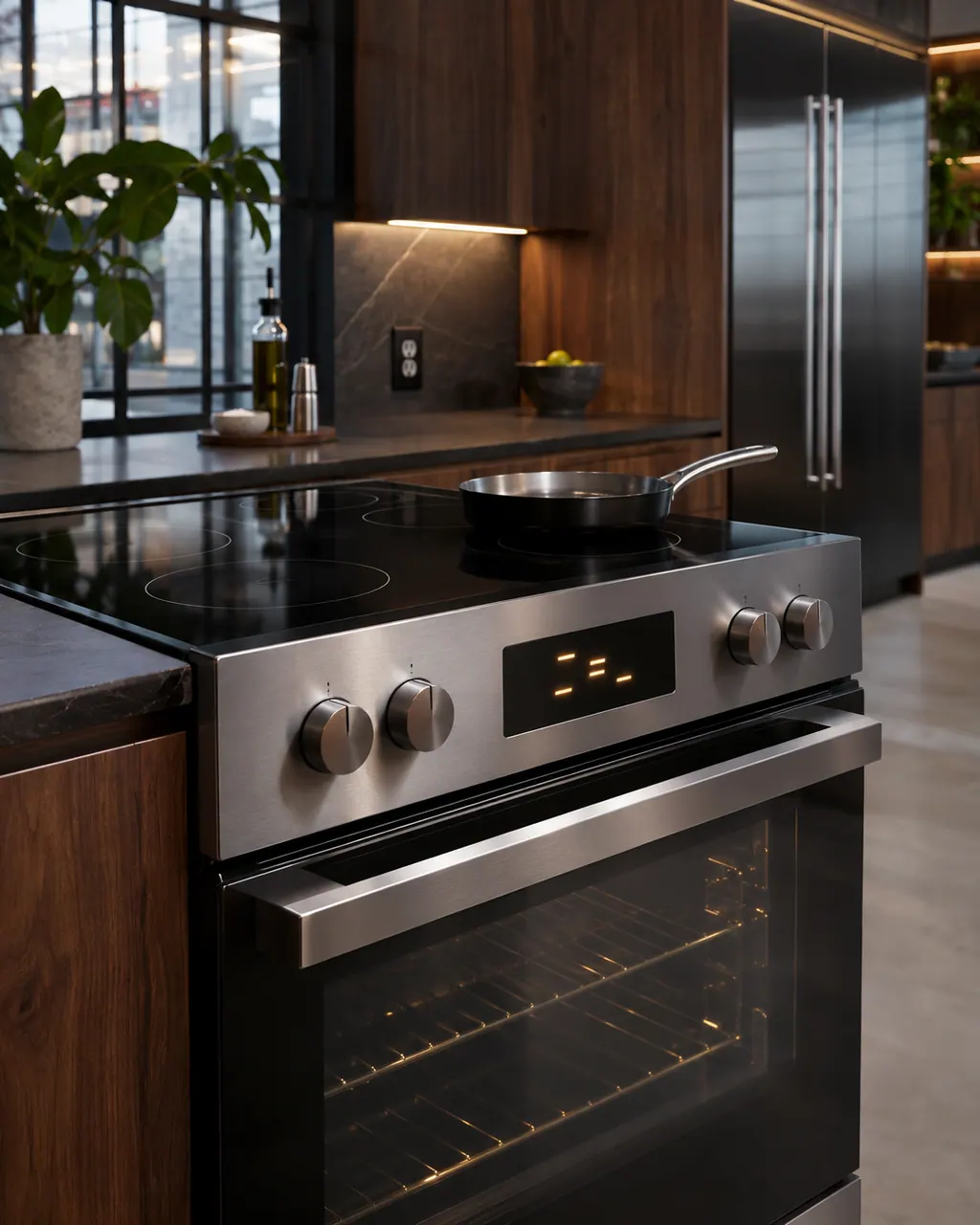
Cooktop message codes
C81 means a surface cooking area on a JennAir range overheated and the automatic shutoff tripped. Turn the oven off if it is running, wait five minutes for the cooktop to cool, then turn it back on. If C81 shows again, switch the breaker off for one minute.
Owner checks firstC82 is the same JennAir cooktop warning as C81: a surface cooking area ran too hot and the range shut it down. Turn off the oven if it is on, give the cooktop five minutes, then try it again. Reset the breaker for a minute if C82 comes back.
Owner checks firstC83 on a JennAir range says an element or cooking area overheated and the control shut it off automatically. Switch the oven off if it is running, wait five minutes for the cooktop to cool, then turn it on again. If C83 returns, cut the breaker for one minute.
Owner checks firstA flashing cooktop indicator on a JennAir range means one or more controls are being held down all the time. Make sure every control is off, move anything resting on the control area and wipe the glass clean and dry. Then try the cooktop again.
Owner checks firstWhen the cooktop indicator or hot light stays on, either a control is still on or an element is still too hot to touch. Check that every control is off and let the surface cool. JennAir treats this as normal, not an error.
Information onlyCooktop Lock on a JennAir range means the control lock for the surface cooking areas is on. JennAir describes it as protection against unintended use. Touch and hold LOCK for three seconds to turn it off.
Information onlyAn H in the heat setting window of a JennAir range means a cooktop surface area is still too hot to touch, even after you turn it off. Let the cooktop cool; if the H stays or flashes after it has cooled, reset the breaker for sixty seconds.
Information only