Model-specific code library
JennAir oven Temperature sensor codes
27 printed codes in this group: 1d11, 1d12, 1d21, 1d22, 3d11, 3d12, 3d21, 3d22, F01, F02 and 17 more.
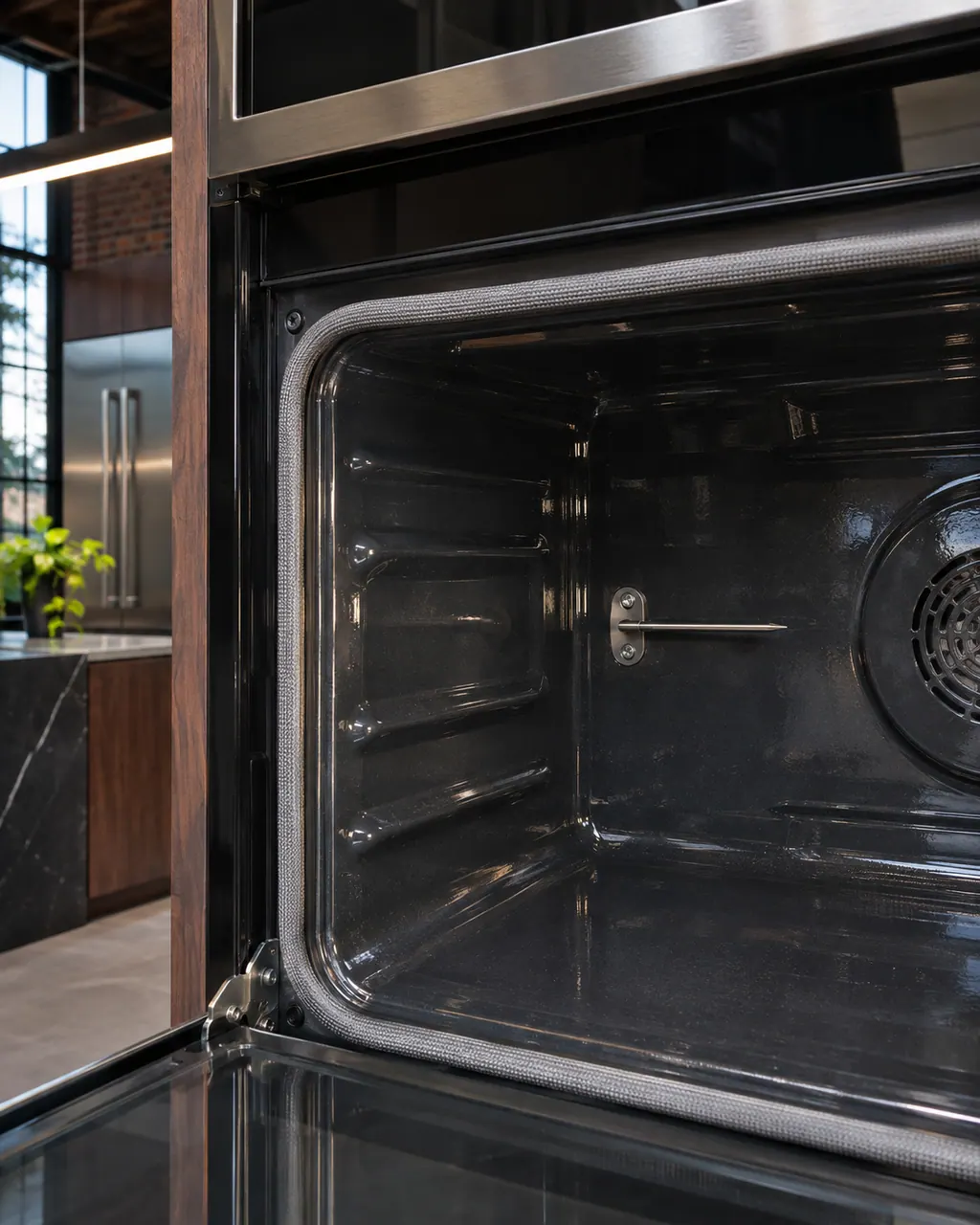
Temperature sensor codes
1d11 starts JennAir's "Starts with 1d" group and lists the temperature sensor and the control, or the wiring between them. The first step is a sixty-second power reset at the breaker panel; call for service if it returns.
Reset, then bookJennAir ties 1d12 to the temperature sensor and the control, or the wiring between them. If the code comes back, book a technician. The first step is a sixty-second power reset at the breaker panel; call for service if it returns.
Reset, then bookJennAir reads 1d21 as trouble with the temperature sensor and/or the control or the wiring. Cut the circuit breaker for sixty seconds, bring back power, and monitor the code.
Reset, then bookOn a JennAir oven, 1d22 points to the temperature sensor or the control or the wiring. Open with a one-minute breaker cycle, then watch for the code for a minute.
Reset, then book3d11 opens the "Starts with 3d" group and lists the temperature sensor and the control, or the wiring between them. The first step is a sixty-second power reset at the breaker panel; call for service if it returns.
Reset, then bookRead 3d12 as a warning about the temperature sensor and/or the main control, wiring second. Try a one-minute breaker reset, then look for the code for a minute.
Reset, then bookRead 3d21 as a flag on the cavity sensor or the main control, wiring second. Try a minute-long power cycle, then watch the code for 60 seconds.
Reset, then book3d22 lists the temperature sensor and the control, or the wiring between them. The first step is a sixty-second power reset at the breaker panel; call for service if it returns.
Reset, then bookF01 opens the F0 series: JennAir lists the temperature sensor and the control, or the wiring between them, on ranges and wall ovens. The first step is a sixty-second power reset at the breaker panel; call for service if it returns.
Reset, then bookF02 lists the temperature sensor and the control, or the wiring between them on JennAir ranges and wall ovens. The first step is a sixty-second power reset at the breaker panel; call for service if it returns.
Reset, then bookF1 lists the temperature sensor and the control, or the wiring between them on both JennAir ranges and wall ovens. The first step is a sixty-second power reset at the breaker panel; call for service if it returns.
Reset, then bookF1-1 is the first hyphenated row in JennAir's F1 range table: the temperature sensor and the control, or the wiring between them. The first step is a sixty-second power reset at the breaker panel; call for service if it returns.
Reset, then bookF1-2 lists the temperature sensor and the control, or the wiring between them on JennAir ranges. The first step is a sixty-second power reset at the breaker panel; call for service if it returns.
Reset, then bookF1-3 lists the temperature sensor and the control, or the wiring between them on JennAir ranges. The first step is a sixty-second power reset at the breaker panel; call for service if it returns.
Reset, then bookF1-H lists the temperature sensor and the control, or the wiring between them on JennAir ranges. The first step is a sixty-second power reset at the breaker panel; call for service if it returns.
Reset, then bookF1-L, the last hyphenated row in JennAir's F1 range table, lists the temperature sensor and the control, or the wiring between them. The first step is a sixty-second power reset at the breaker panel; call for service if it returns.
Reset, then bookF2 lists the temperature sensor and the control, or the wiring between them on JennAir ranges and wall ovens. On a steam oven the page gives only a reset and asks you to start a cycle afterward. The first step is a sixty-second power reset at the breaker panel; call for service if it returns.
Reset, then bookF3-1 lists the temperature sensor and the control, or the wiring between them on JennAir ranges. The first step is a sixty-second power reset at the breaker panel; call for service if it returns.
Reset, then bookF3 E0 means different things by product: a professional-style range only asks for a reset, a freestanding range names the temperature sensor or control, and a double wall oven names the upper oven's sensor. Turn the knob to OFF or cycle power, then see if it returns.
Reset, then bookF3 E1 reads a lower-oven temperature sensor problem on a double wall oven; on a freestanding range it is a general oven sensor, control or wiring message, and a professional-style range only gets a reset. Cancel it, cycle the power, then see if it comes back.
Reset, then bookF3 E2 names the oven temperature sensor and the control on a wall oven, and on a freestanding range it names the oven sensor or the warming drawer sensor if you have one, plus wiring. Cancel the display, reset at the breaker for about a minute, and recheck.
Reset, then bookF3 E3 points at the oven temperature sensor on JennAir ranges and wall ovens. On a professional-style range, push the meat probe in fully, using an oven mitt, and then reset; the app version asks for a one-minute disconnect and a refresh.
Reset, then bookF3 E5 appears only in the wall oven tables. JennAir names one of the sensors, the control, or the wiring, and asks for a one-minute breaker reset followed by a one-minute watch.
Reset, then bookF3 E6 is a wall oven code that JennAir words exactly like E5, E7 and E8: lower oven temperature sensor, control or wiring. Reset at the breaker for 60 seconds and watch the display.
Reset, then book