Model-specific code library
JennAir oven User interface codes
14 printed codes in this group: 1c1c, 1c2c, F1-5, F1-8, F2E0, F2E1, F2E2, F2E3, F2E4, F2E5 and 4 more.
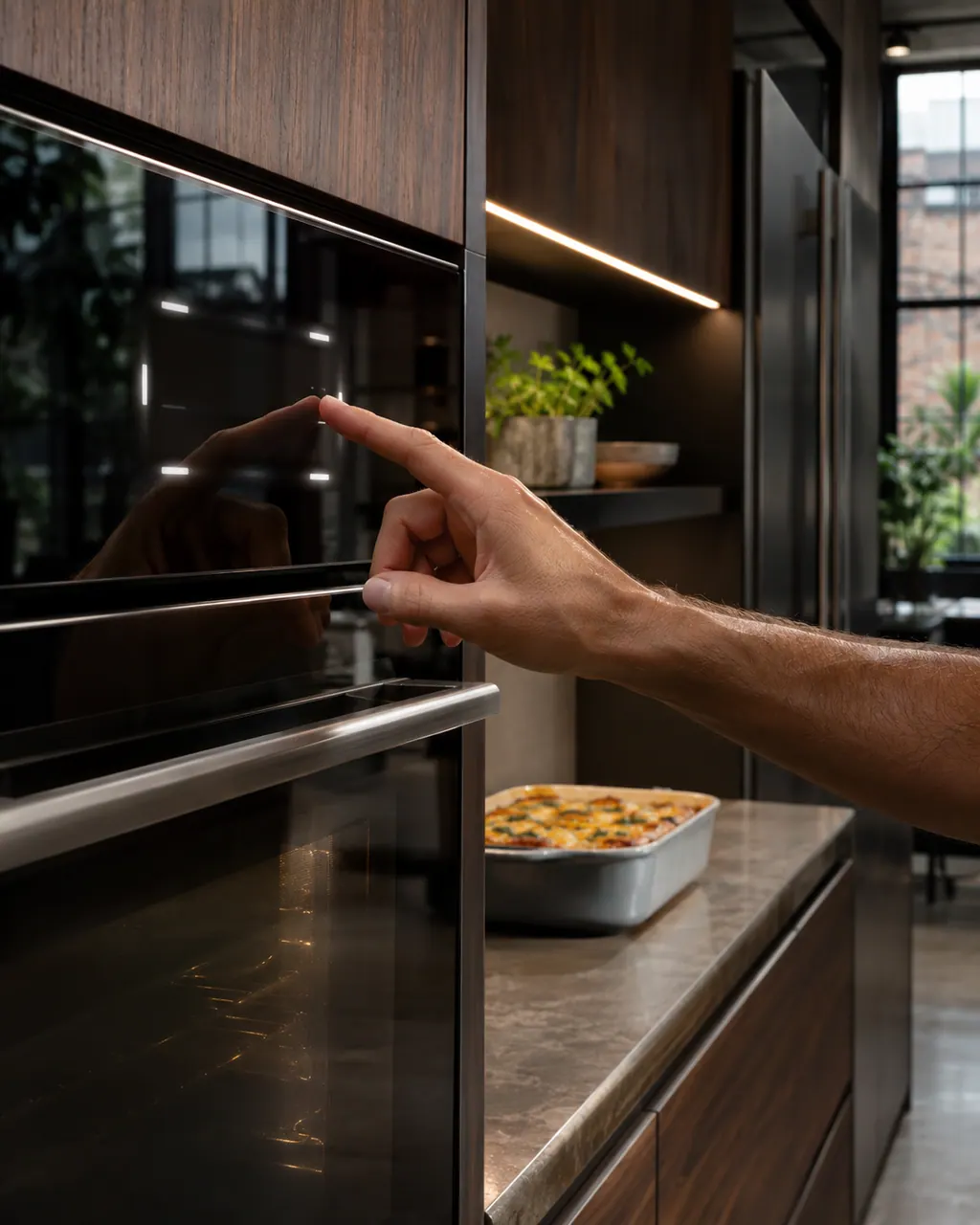
User interface codes
1c1c is the first row in JennAir's "Starts with 1c" group, and it is the one that names the touch panel (JennAir's user interface) or its wiring. The first step is a sixty-second power reset at the breaker panel; call for service if it returns.
Reset, then book1c2c says the touch controls or the wiring may need attention. Cycle the breaker once, a minute off; if the code returns, schedule a visit.
Reset, then bookF1-5 lists the control board, the touch panel (JennAir's user interface), or the wiring behind them, on JennAir ranges. The first step is a sixty-second power reset at the breaker panel; call for service if it returns.
Reset, then bookF1-8 lists the control board, the touch panel (JennAir's user interface), or the wiring behind them, on JennAir ranges. The first step is a sixty-second power reset at the breaker panel; call for service if it returns.
Reset, then bookF2E0 lists the touch panel (JennAir's user interface), the control, or the wiring behind them, on JennAir ranges as well as wall ovens. It may also display as F2 E0. The first step is a sixty-second power reset at the breaker panel; call for service if it returns.
Reset, then bookF2E1 reads differently by product. A professional-style JennAir range says a button is stuck or held too long, so check the control buttons for debris. A range or wall oven lists the user interface or keypad, the control or the wiring. Reset power as the page for your product says.
Reset, then bookF2E2 on a JennAir freestanding range or wall oven lists the user interface or keypad, the control or the wiring. A professional-style range prints only resets: turn the temperature knob to OFF, or leave the control panel without power for five minutes on the newer page.
Reset, then bookF2E3 lists the touch panel (JennAir's user interface), the control, or the wiring behind them, on JennAir ranges as well as wall ovens. It may be written F2 E3. The first step is a sixty-second power reset at the breaker panel; call for service if it returns.
Reset, then bookTreat F2E4 as a flag on the touch panel or the electronic control, wiring second. Try a one-minute power cycle, then observe the code another minute.
Reset, then bookTreat F2E5 as a flag on the user interface or the control, wiring second. Drop the breaker for a full minute, restore power, and then monitor for the code.
Reset, then bookF2E6 lists the touch panel (JennAir's user interface), the control, or the wiring behind them, on JennAir ranges as well as wall ovens. It may be written F2 E6. The first step is a sixty-second power reset at the breaker panel; call for service if it returns.
Reset, then bookF6 E5 names the user interface on a JennAir freestanding range and the control panel assembly on a wall oven, plus the wiring behind them. Press CANCEL, reset the breaker for about a minute, then try each key.
Reset, then bookF6 EA names the user interface on a JennAir freestanding range, and on a wall oven the user interface control sensing an over temperature condition. Let the oven cool, then reset the breaker for about a minute.
Reset, then bookF8 EA names the user interface or its wiring on a JennAir freestanding range. Press CANCEL, reset the breaker for sixty seconds, then test the keys one at a time.
Reset, then book